Whether you’re a freelancer, entrepreneur, or small business owner, having a polished business card can make a strong first impression. And the best part? You no longer need to hire a professional designer to create one. Thanks to online business card generators, anyone can create sleek, modern, and print-ready cards within minutes.
TLDR: If you’re looking to create stylish, professional-looking business cards without spending a fortune or needing graphic design skills, online business card generators are your solution. From drag-and-drop editors to AI-assisted design tools, these platforms offer easy-to-use templates, customization options, and ready-to-print downloads. Below, we’ve compiled the top eight tools for creating business cards that leave a lasting impression. Simply choose one, add your details, and print or share digitally in minutes.
1. Design.com
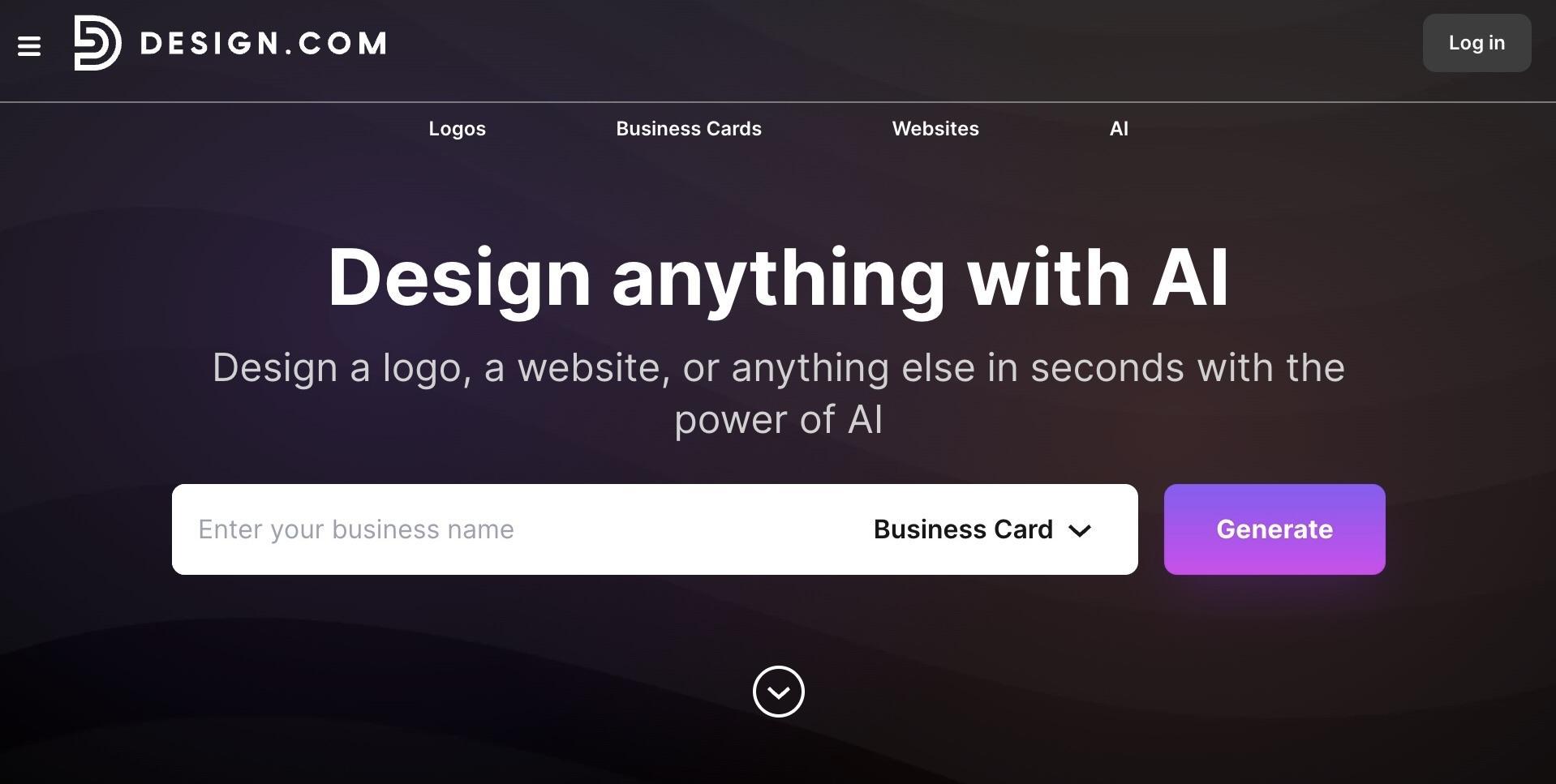
Best for: Designer-quality visuals generated entirely by AI.
Design.com is a top-tier AI branding platform with a built-in business card generator woven into an expansive collection of creative tools. Backed by 20,000+ business card templates crafted by professional designers and spread across thousands of industry-specific layouts, it hands anyone the ability to produce stunning, print-ready cards from scratch.
Where Design.com really pulls ahead is how your logo, fonts, and colors flow automatically into every card you build, creating a brand identity that feels cohesive and intentional across every single touchpoint.
- A built-in AI that instantly generates a fully branded business card using your logo, fonts, and colors.
- A selection of free templates to explore and customize until the look feels exactly right.
- Over 400,000 logo designs and one million total templates to match any brand vision
- 50+ creative tools to keep your business card consistent with your website, posters and social media
- Free worldwide shipping on all print orders, with no hidden fees, delivered straight to your door.
2. BrandCrowd
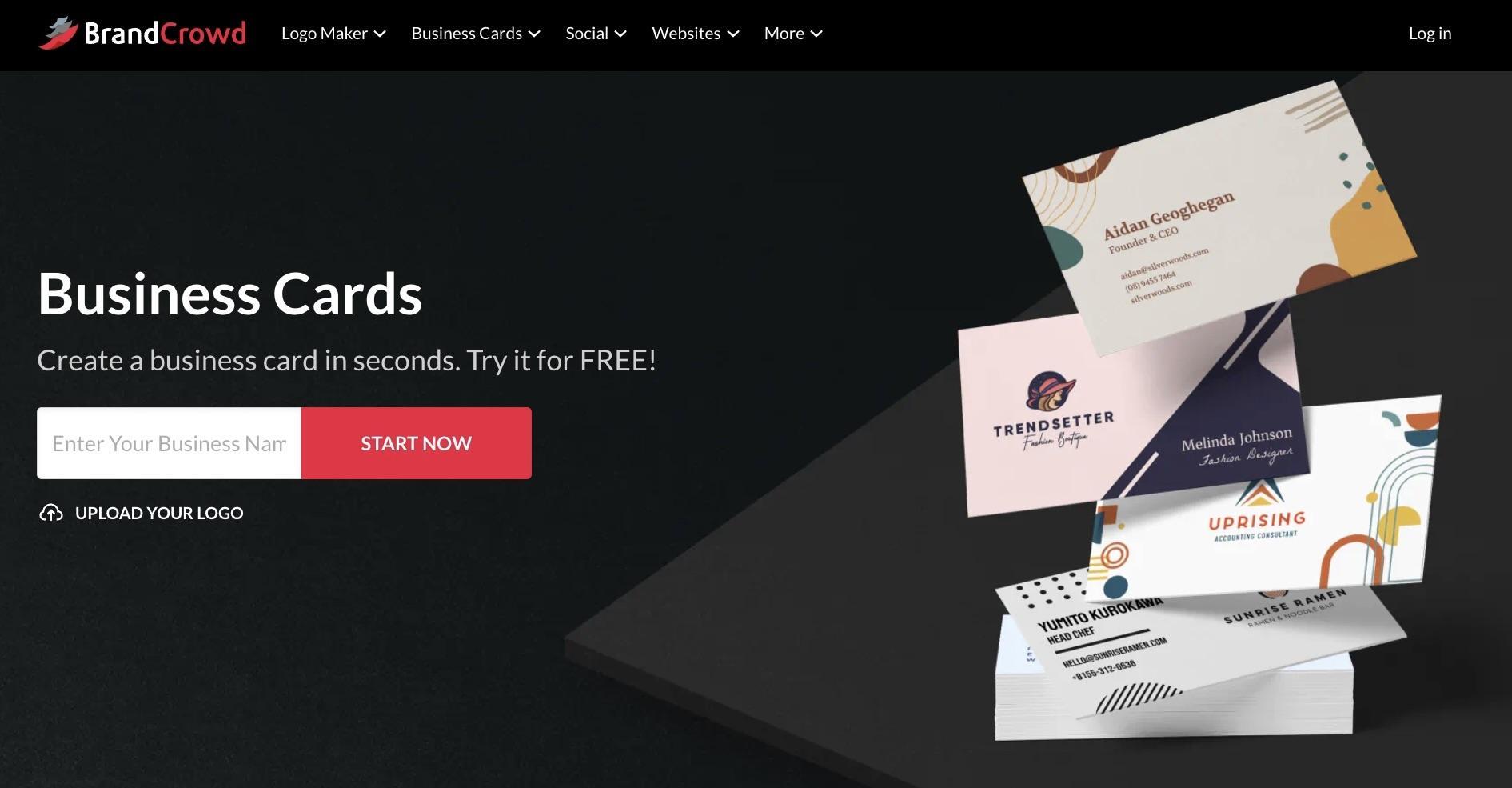
Best for: Instantly generating professional business cards backed by a world-class logo maker.
BrandCrowd brings its reputation as a leading logo maker into its business card generator, delivering high-quality designs for every first impression. With 3,000+ business card templates and over 579,000 total design assets, it gives businesses everything they need to stand out fast.
BrandCrowd stands out for the sheer creative freedom it offers. Every element, from fonts and colors to icon placement, backgrounds, and typography, is completely customizable, and with unlimited edits, your card will always turn out exactly the way you imagined.
- Polished business cards generated in seconds using your business name and logo, with ready-made layouts crafted by professional designers.
- A selection of free templates to explore, with full freedom to play with colors, fonts, and layouts before committing to anything.
- Over 50 design tools, 750+ fonts, and 525+ exclusive fonts, covering everything from business cards and posters to flyers and social media posts.
- Built-in brand consistency keeps your logo, colors, and fonts aligned across every asset automatically.
- Free worldwide shipping on all print orders, with your finished design delivered straight to your door at no extra charge.
3. Canva
Best for: Customizable, stylish templates with a user-friendly editor.
Canva is one of the most popular online design tools, and for good reason. With thousands of templates and an intuitive drag-and-drop interface, it’s perfect for anyone who wants stylish business cards without messing around in complex software.
What makes Canva stand out is its vast library of elements—icons, fonts, logos, and backgrounds—all of which you can tweak endlessly. It also lets you upload your own logo and images, ensuring a card that’s truly yours.
- Free to use with optional paid upgrades
- Pre-sized for print with bleed areas set
- Wide range of industries and themes
4. Vistaprint
Best for: Seamlessly designing and ordering printed cards in one place.
Vistaprint is more than a card generator—it’s a complete print service with professional design integration. While it offers basic customization tools, what Vistaprint really shines at is combining card creation with reliable printing and fast delivery.
Their online editor offers hundreds of templates that you can edit in real-time. Once you’ve settled on your design, you can order the prints directly from their interface, choose your paper stock, finishes, and even accessories like card holders.
- No need to use a separate printer after designing
- Available extras like embossed or foil finishes
- Trusted print quality and delivery worldwide
5. Adobe Express
Best for: Brand-centric designs and integration with Adobe tools.
If you’re looking for professional, branded visuals without the learning curve of Photoshop, Adobe Express (formerly Adobe Spark) is worth considering. It’s especially handy for users who are already in the Adobe ecosystem, as you can sync assets from your Creative Cloud.
The platform features a range of modern templates and uses Adobe’s powerful Typekit, so typography really shines in the designs. The basic business card layout includes safety lines and bleed guides for print-readiness.
- Clean, professional templates with branding in mind
- Free and premium plans available
- Great for consistency across other branded materials
6. Business Card Maker by Shopify
Best for: Quick, effective cards for entrepreneurs and eCommerce sellers.
Shopify offers its own Business Card Maker, and while it’s more minimalist than others on this list, it’s perfect for people who want a quick, printable card. Input your business details, upload a logo, and generate a downloadable card in seconds.
It’s not the most customizable tool, but it’s great for speed and convenience. Ideal for entrepreneurs or small business owners who need cards for networking events or pop-up sales fast.
- Quick and easy—just input and download
- No account required to use
- Template is print-ready and professionally sized
7. Crello (Now VistaCreate)
Best for: Designer-quality visuals with intuitive editing tools.
VistaCreate, formerly known as Crello, offers an impressive range of visual customization tools. Much like Canva, it allows for deep edits, from custom fonts to animations (if you’re using your cards for digital purposes).
What makes VistaCreate shine is its visual polish; even pre-made templates look like they came from a professional designer. The export features are also very friendly for printers, making sure margins and bleed zones are accounted for.
- Wide variety of templates and styles
- More flexibility for design-savvy users
- Drag-and-drop editing interface
8. Zazzle
Best for: Creative, artistic card styles and custom print materials.
If you’re an artist, maker, or someone whose card needs to be as visually expressive as your work, look no further than Zazzle. Unlike more utilitarian platforms, Zazzle’s offerings lean toward vibrant, quirky, and artistic templates created by independent contributors.
You can tailor designs by color scheme, font, orientation, and materials—Zazzle offers everything from basic stock to premium cotton or textured finishes. Once your card is ready, order them straight from the platform, with options for glossy or matte finishes and even eco-friendly materials.
- Non-traditional, artistic templates for creative fields
- Special textures and card shapes available
- Great for photographers, stylists, or illustrators
Features to Look for in a Business Card Generator
Not all tools offer the same capabilities, so it’s worth checking for key features before choosing your design platform:
- Templates & Customization: Choose a generator that aligns with your style and brand identity.
- Print-Readiness: Make sure there are bleed lines and that the file is exportable in high-resolution PDF or PNG.
- Ease of Use: Whether you’re a designer or a novice, the interface should be easy to navigate.
- Print Services: Some tools like Vistaprint or Zazzle include integrated printing, saving you time and effort.
- Digital Cards: Consider platforms that offer virtual card options if most of your networking happens online.
Conclusion
There’s no longer a valid reason to hand out boring or poorly-constructed business cards. With one of the eight online business card generators above, you can make a lasting impression through modern, high-quality cards customized right from your browser.
Whether you prefer the all-in-one convenience of Vistaprint, the sleek design options of Canva, or the brand-ready professionalism of Adobe Express, each tool brings something unique to the table. So choose according to your needs and start networking with confidence, one card at a time.