Do you want to create a design for your brand or a project you are working on but are tired of using Canva over and over again?
Then you are in the right place. This guide presents 7 alternatives to Canva that you can easily use in the design creation process.
All of the platforms are integrating AI to make the generation process easy and fast and add customization capabilities that help you achieve the exact result you are aiming for.
It can help you find interesting tools that can make your workflow seamless and provide interesting design ideas, helping you stand out among competitors.
TL;DR
- Design.com stands out as a strong Canva alternative, offering a large template library (500K+ logo templates), advanced AI tools, and plenty of customization options.
- BrandCrowd is another flexible option, especially for beginners and small businesses looking for lots of templates (380K+ logo templates) and easy editing.
- DesignEvo is simple and easy to use, but its template selection and design variety are more limited.
- Logo.com offers a wide range of customization features and templates, although some logo results can feel less unique.
- Logomakerr.ai makes it easy to generate and customize logos with AI, but the design quality and variety were less impressive in our test.
- LogoMakr.com creates personalized logos with AI and produces good-looking results, but generating different design directions can take more time.
- LogoDesign.net is quick and beginner-friendly, but the designs we tested looked more outdated and offered less visual variety.
Why Look for Canva Alternatives?
Here are a few reasons why people start looking for alternatives to Canva:
- Many of Canva’s templates have premium features, so you cannot download them with the free plan.
- Canva’s templates can look overused or generic, and some individuals might need to look for unique designs.
- Especially if you want to generate logos, Canva takes longer to achieve a personalized result, as it provides one logo based on your description at a time.
Now let’s move forward and learn what other platforms can offer.
How Did We Conduct The Ranking
To find a good alternative for Canva and stay transparent in our guide, we decided to create the same design element with all the tools.
We chose logo making as a logo is one of the most essential elements each brand should have. We created logos for a fictional bookshop called “Midnight Books,” and if the platform allowed adding keywords or a small description, we added “logos for a bookshop.”
During our test, we paid close attention to the quality of the logos, their creation speed, customization capabilities, diversity of designs, and whether they matched the chosen field.
When everything is already clear, it is time to get acquainted with the design platform.
Quick Comparison Chart
| Logo Maker | Best For | Does the Logo Maker Have a Free Tier? | Trustpilot Ratings |
| Design.com | Great option for beginners, small-to-medium businesses, startups, and people looking for fast, quality designs | Yes There are a large number of logos that you can access for free, and also use a free link builder, bio creator, and digital business card maker. Note: There are 50+ design tools you can use, but to download those designs, you will need a premium subscription. | ⭐4.7/5 |
| BrandCrowd | Small business owners, beginners, freelancers, and content creators | Yes You get access to numerous templates that are 100% free. Downloading a free logo will unlock over 50+ design tools to create anything from business cards to social media posts, flyers, and posters. Note: users will need a premium subscription to download the designs created using the design tool․ | ⭐4.7/5 |
| DesignEvo | Startups, small businesses, media creators | Yes, You can download the logos for free, but you should note that they can be in limited formats or low resolution. | ⭐4.8/5 |
| Logo.com | Small business owners | Yes, You can design, customize, and download logos for free. | ⭐4.6/5 |
| Logomakerr.ai | Beginners, small businesses | No, You can try creating logos for free, but to download them, you will need a paid plan. | ⭐4.6/5 |
| LogoMakr.com | Startups, small business owners | No, Only the preview is free; to download, you need a one-time payment. | ⭐4.3/5 |
| LogoDesign.net | Beginners, businesses | Free preview To download the logos, users need to pay. | ⭐3.9/5 |
Top 7 Canva Alternatives Tested and Reviewed
Design.com
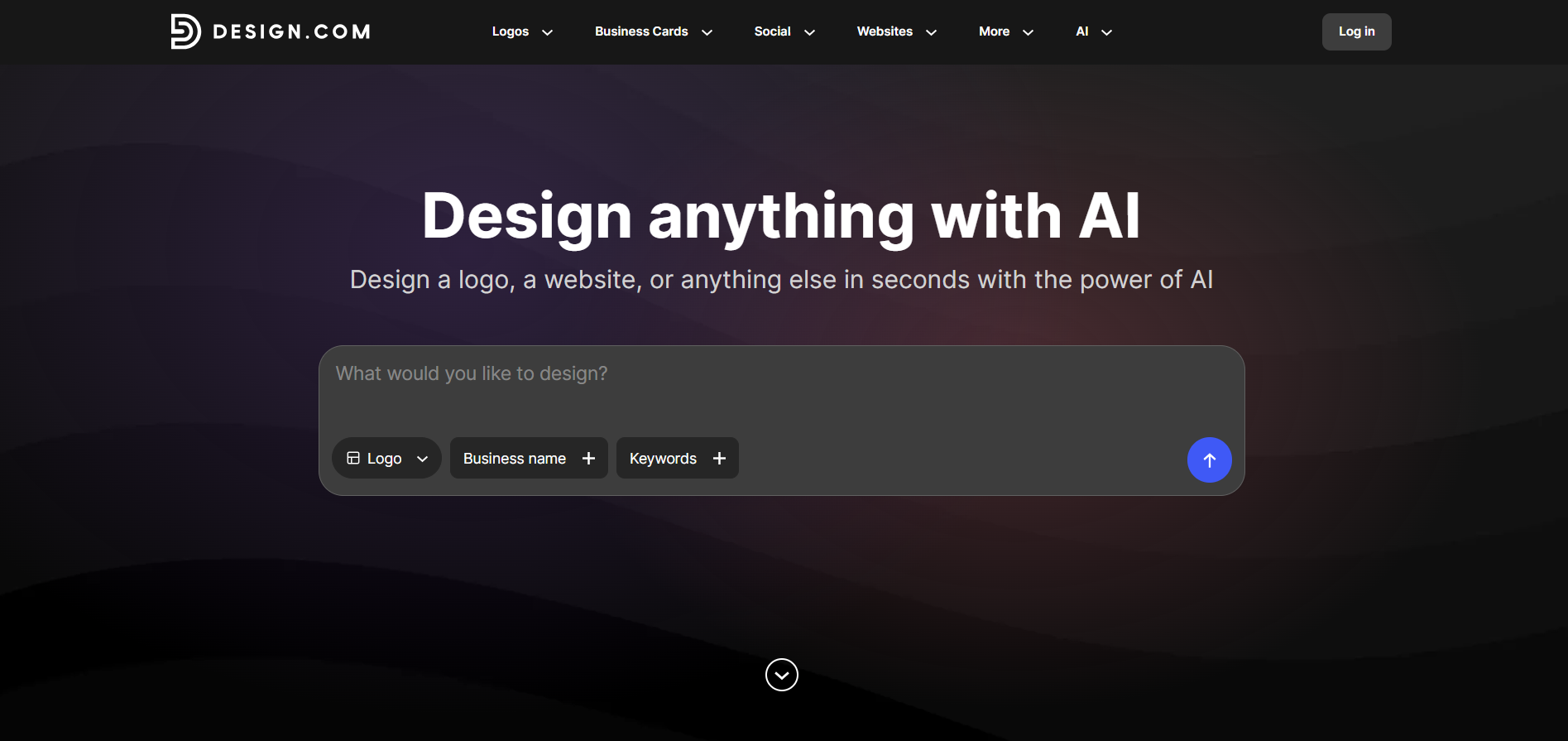
Design.com is a leading design platform that can become a top alternative to Canva with the help of its all-in-one design suite, AI integration, and huge library of templates.
The tool is great for beginners since, with the help of its drag-and-drop editor, every design creation becomes easy and effortless.
Main Advantages of the Tool
- Templates: There are 500K+ logo templates and 1M+ overall design templates for easy and diverse creation.
- AI Integration: The platform allows users to access an AI logo generator, AI website builder, AI business cards, AI flyers, AI posters, AI presentations, AI business name generator, and AI background remover.
- Design Suite: 50+ design tools allow you to create posters, flyers, presentations, business cards, websites, menus, social media posts, and more.
- Fonts: There are 750+ fonts, 525+ of which are exclusive.
- Shapes: 62K custom shapes are available on the platform.
- Favorite List: You can add the design to your favorite list for later use.
- Domain Name: You can register a domain name along with your logo.
- Ownership: Users have 100% ownership and extensive licensing over their logo.
- Support: There is 24/7 chat and email support.
Logo Creation Process
Logo creation with Design.com started with adding the business name and our logo keyword.
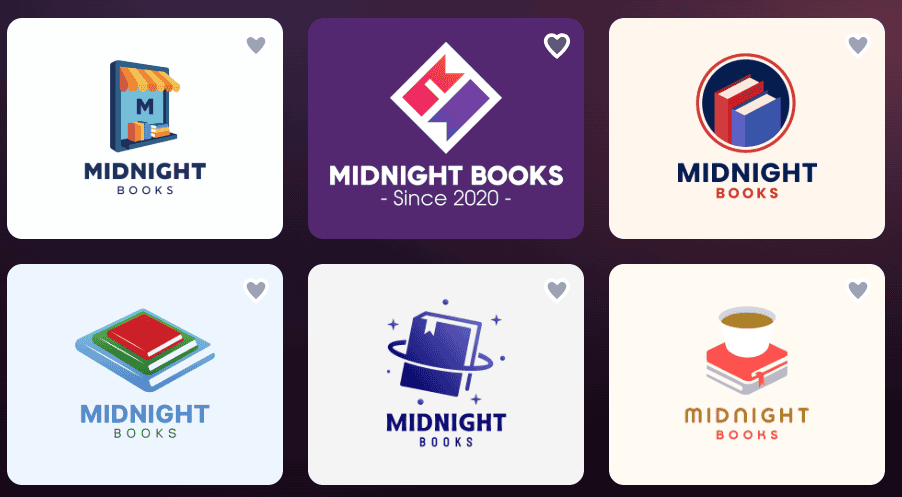
Logos appeared instantly and did not make us wait even a second longer. As mentioned, the platform’s huge library was evident in just how many options we had to choose from.
Most importantly, all of them had details that reminded us of the chosen field. This would definitely make the logo memorable and help viewers understand who and what the logo is for.
The quality of the logos was professional, with deep coloring and interesting designs, and professional designers were involved in the design creation process to avoid providing outdated designs.
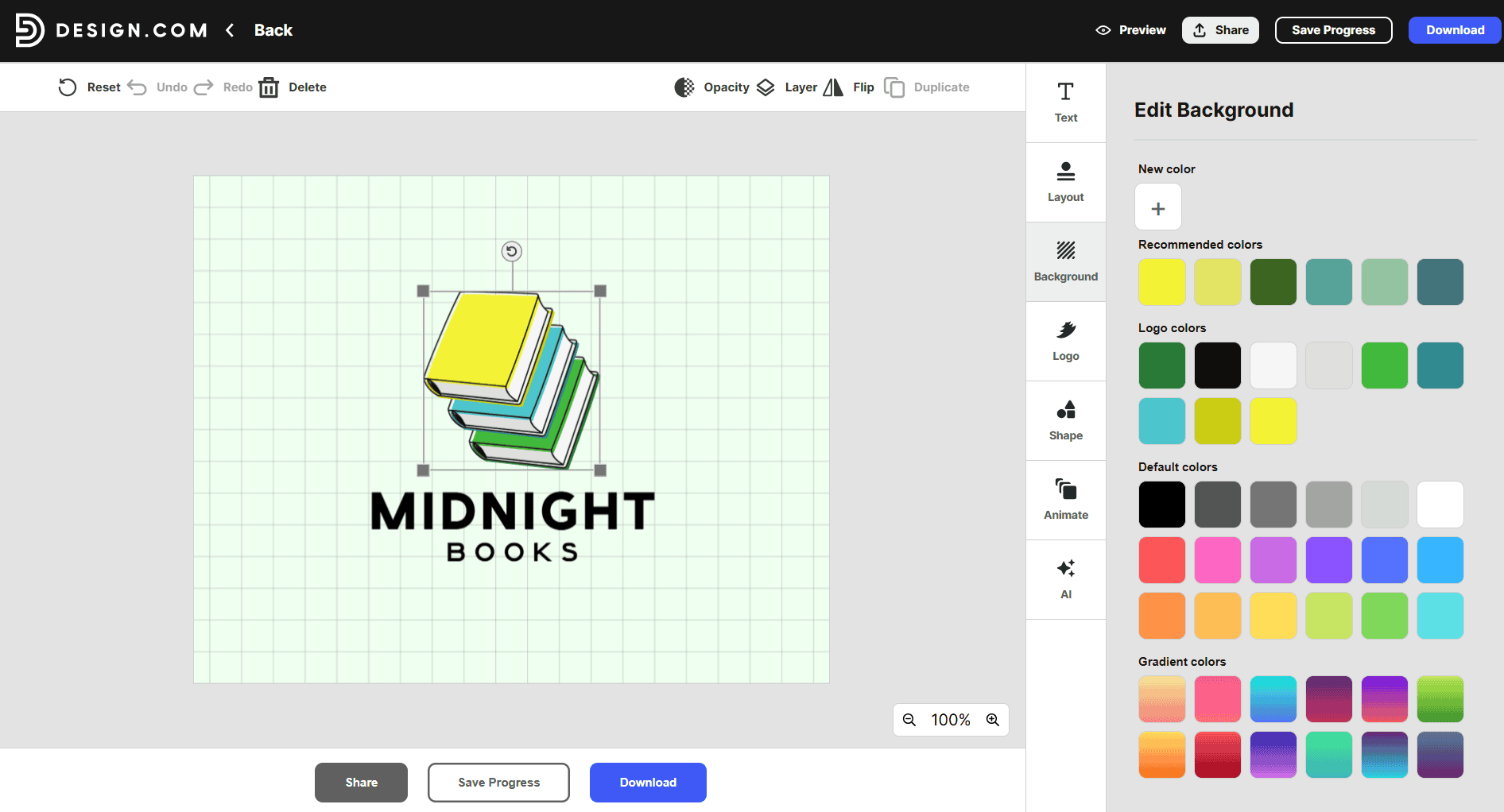
Customization was very easy and diverse; we could change the text, background, colors, shapes, and add animations to our logo, and the chosen results appeared immediately on the canvas.
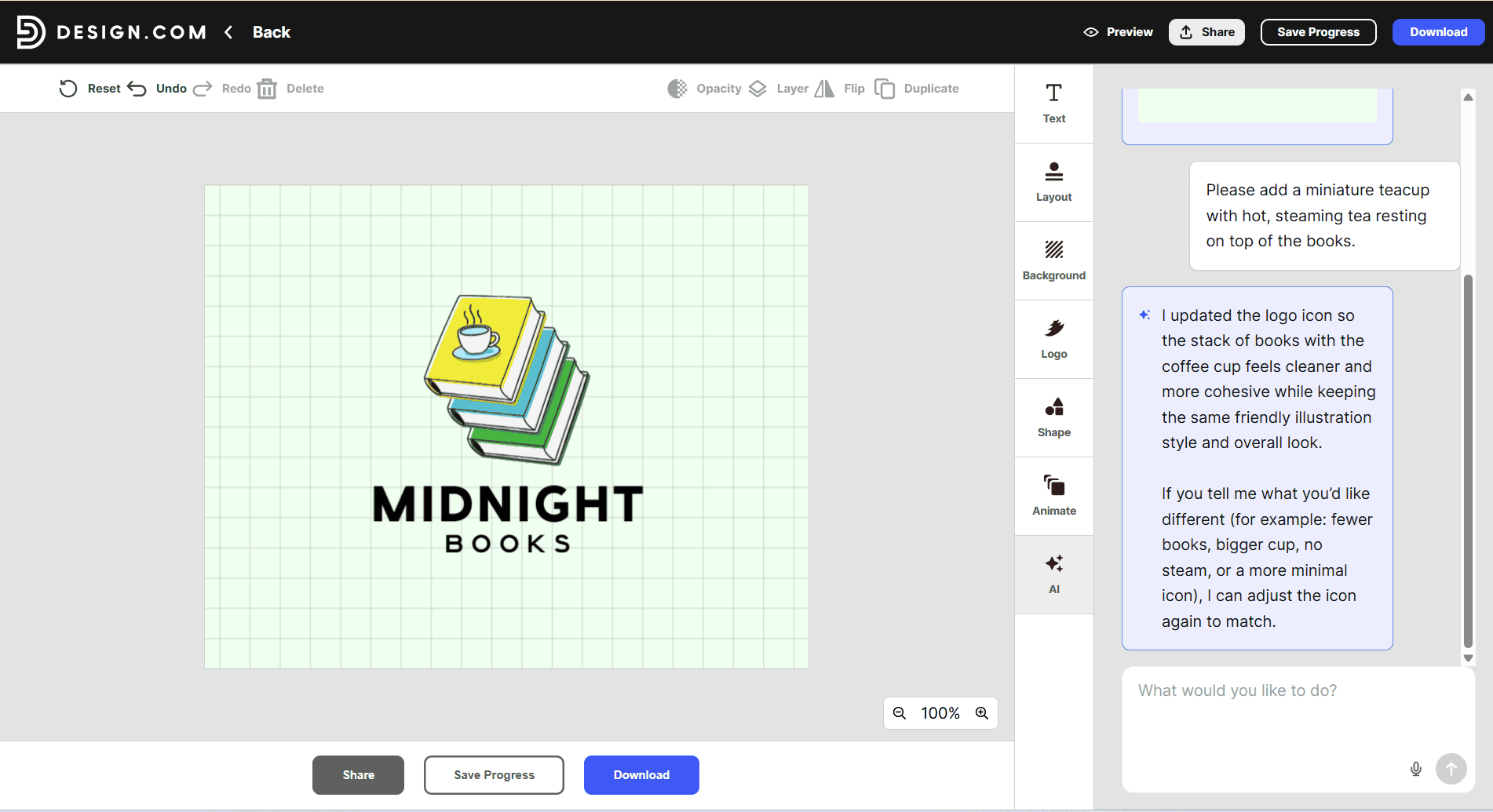
Another interesting point was the AI editing feature, where we could ask for personalized changes and edits, and AI would help us to add them.
As you can see in the picture above, the change that was asked for was added, and it took us less than a minute.
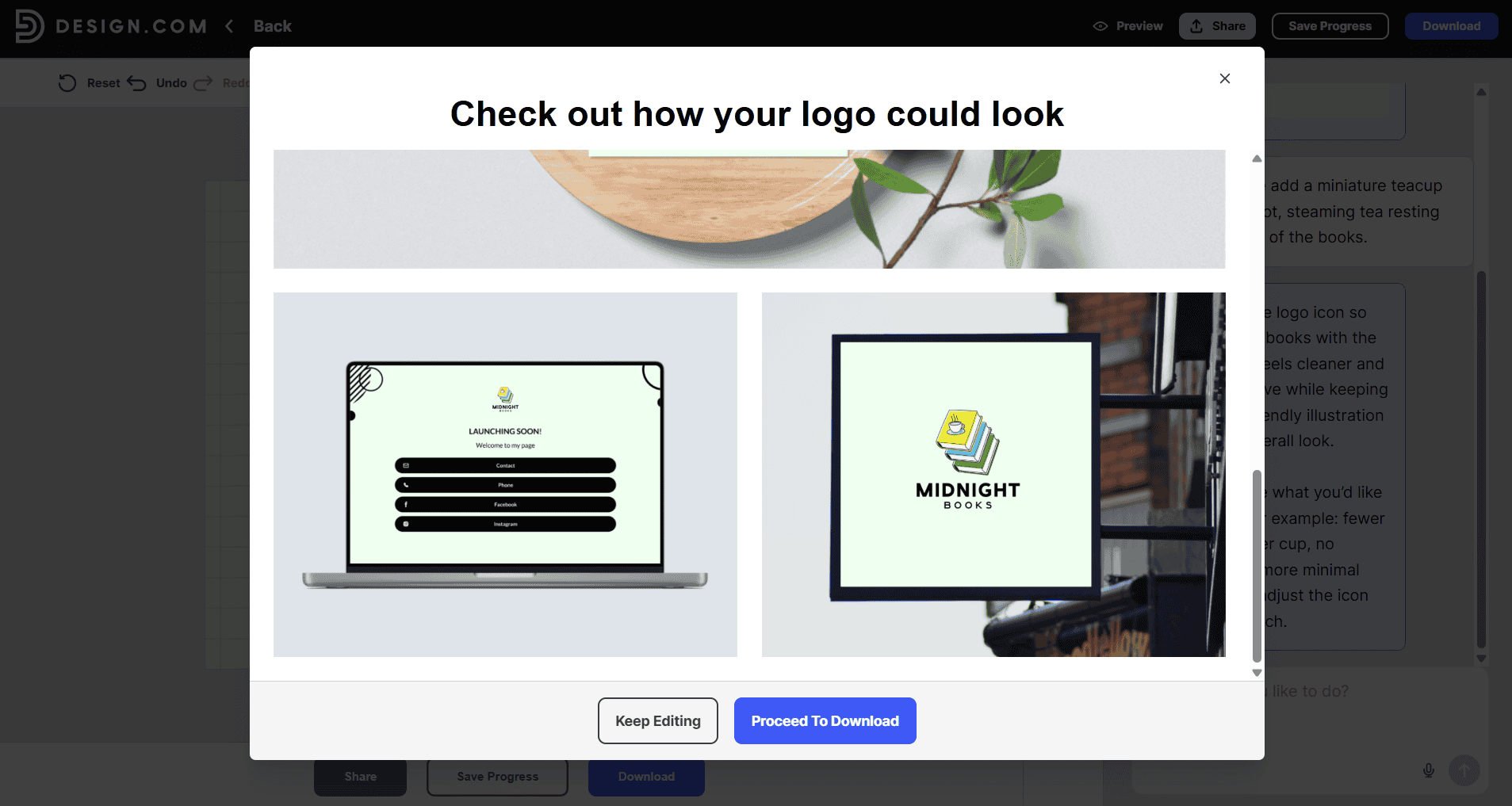
With Design.com, we could also preview the logos on posters and business cards, see how it would look on our website, and more.
Small Verdict
As a result, Design.com is a leading alternative to Canva since it has advanced AI integration, is super easy to use, and the different designs we could choose from were limitless.
Here is a small chart with our rating of the most essential points:
| Main Aspects | Our Rating |
| Template Library | ⭐⭐⭐⭐⭐ |
| Design Quality | ⭐⭐⭐⭐⭐ |
| AI Integration | ⭐⭐⭐⭐⭐ |
| Speed | ⭐⭐⭐⭐⭐ |
| Ease of Use / Customization | ⭐⭐⭐⭐⭐ |
BrandCrowd
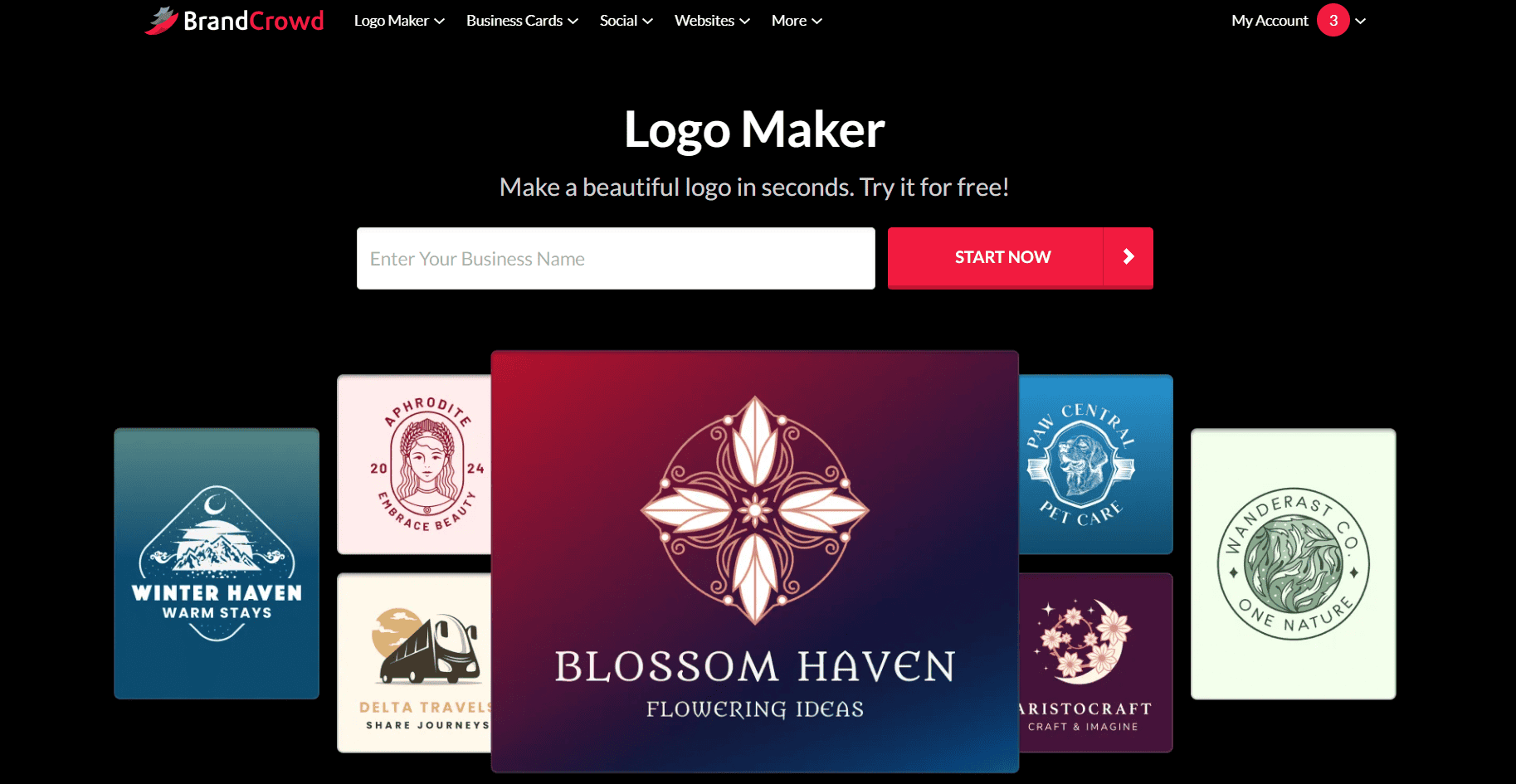
BrandCrowd is another interesting alternative to Canva since it supports easy design creation with the help of its intuitive interface and AI.
The platform provides a lot of templates so you can create for a specific field that your logo belongs to.
Main Advantages of the Tool
- Templates: The platform provides 380K+ logo templates and over 1 million total design templates.
- Files: The platform allows you to download the logo in SVG, EPS, and PDF vector files; PNG and JPG raster files; GIF and MP4 animated files; and icon-only options.
- Printing Logos: You can get your logos printed on caps, mugs, business cards, and more, and receive free delivery for all the printed items.
- Voting Poll: Share the design with teammates and collect their feedback.
- Commercially Safe: You get 100% ownership over the logo.
- Support: 24/7 support with answers to all of the questions that might arise.
- Multilingual: You can use the platform in the following languages: English, Spanish, French, German, Portuguese, Canadian French, Brazilian Portuguese.
Logo Creation Process
BrandCrowd’s logo creation process was quite similar to Design.com’s one.
We started by adding a brand name and keywords.
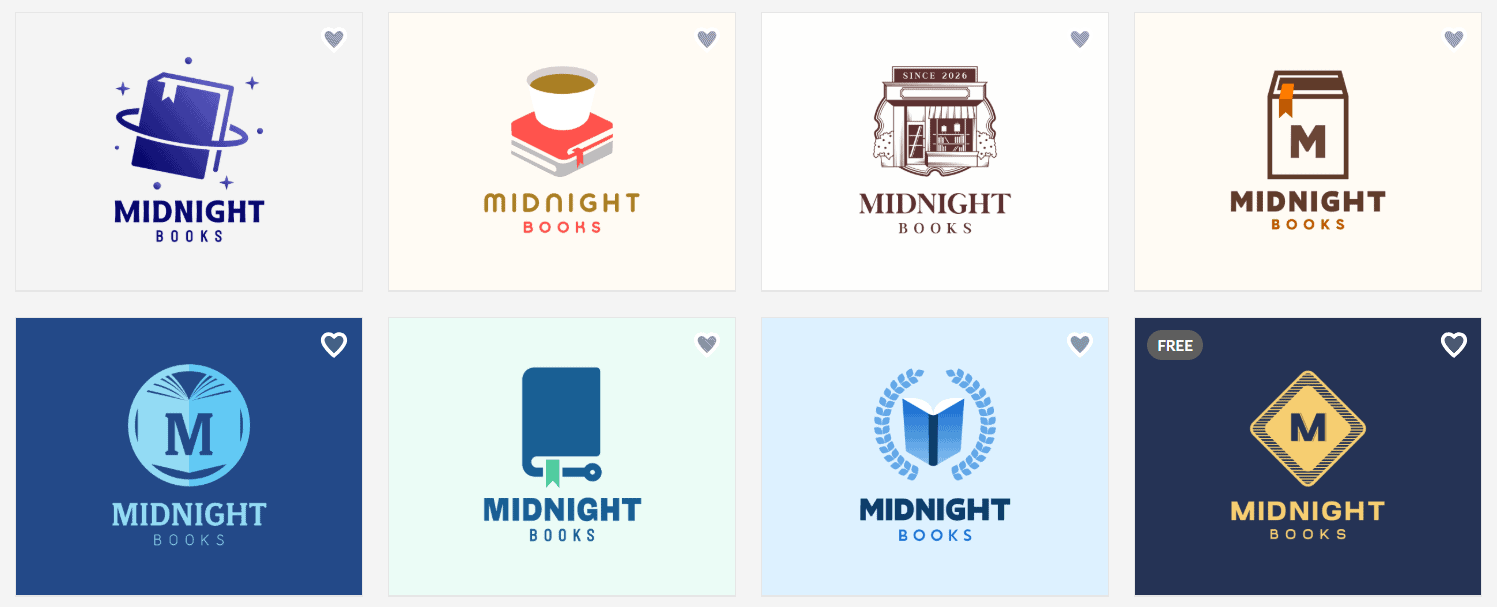
Logo creation was really fast, and there were so many options we could choose from.
The quality of the logos was professional, with interesting coloring, shades, and elements that reminded about the chosen field. It was good that the designs were modern and did not have outdated features.
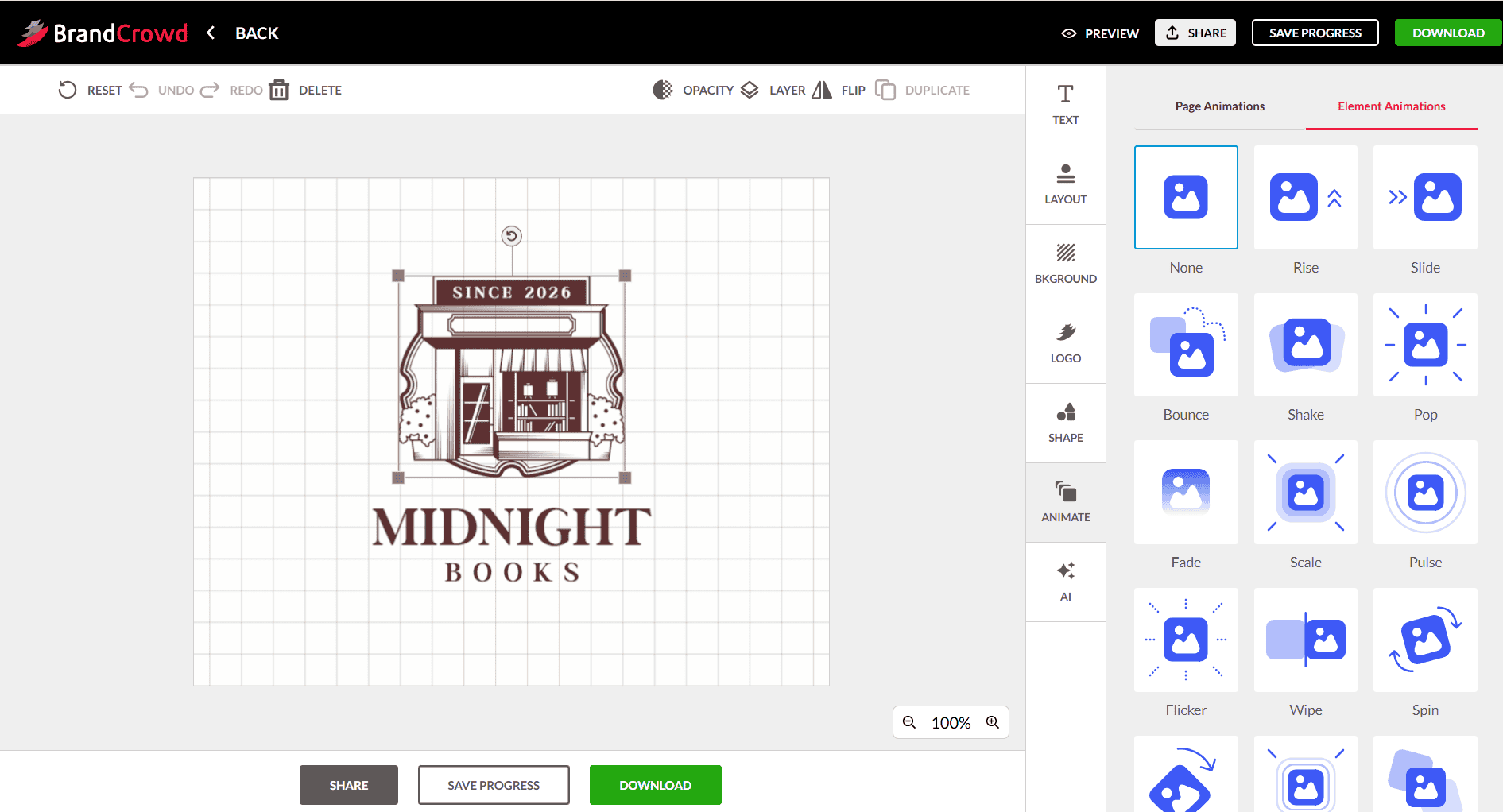
Speaking about editing features, we could change the color, background, add animation, change the font, and even use AI for making personalized changes.
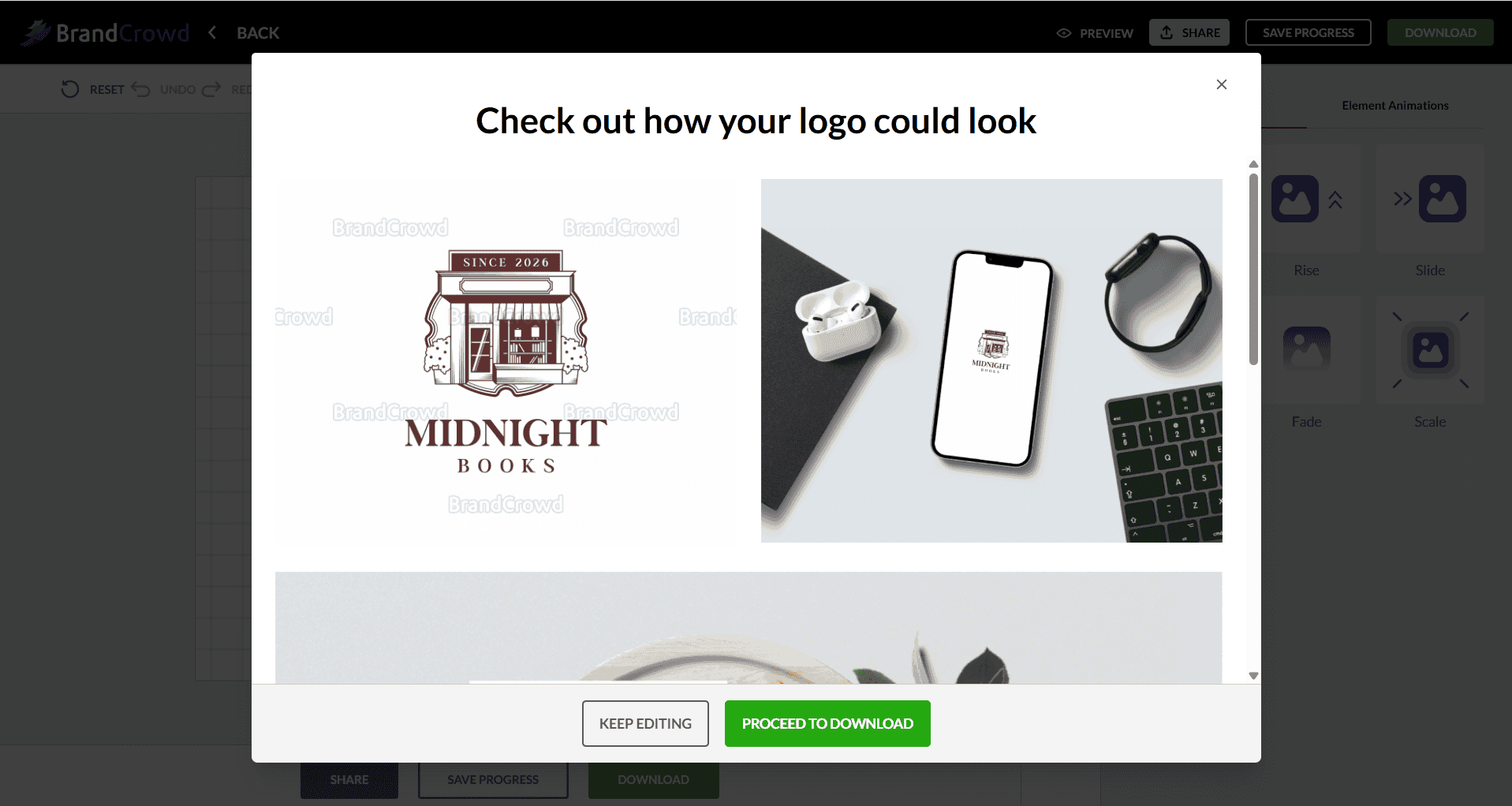
We could also preview the logo on different branding items to understand how it would look in real life and whether we needed to make additional changes.
Small Verdict
BrandCrowd becomes an interesting alternative to Canva with its diversity of designs and unique customization features that help to make the design stand out.
Here is a small chart with our rating of the most essential points:
| Main Aspects | Our Rating |
| Template Library | ⭐⭐⭐⭐⭐ |
| Design Quality | ⭐⭐⭐⭐⭐ |
| AI Integration | ⭐⭐⭐⭐ |
| Speed | ⭐⭐⭐⭐⭐ |
| Ease of Use / Customization | ⭐⭐⭐⭐⭐ |
DesignEvo
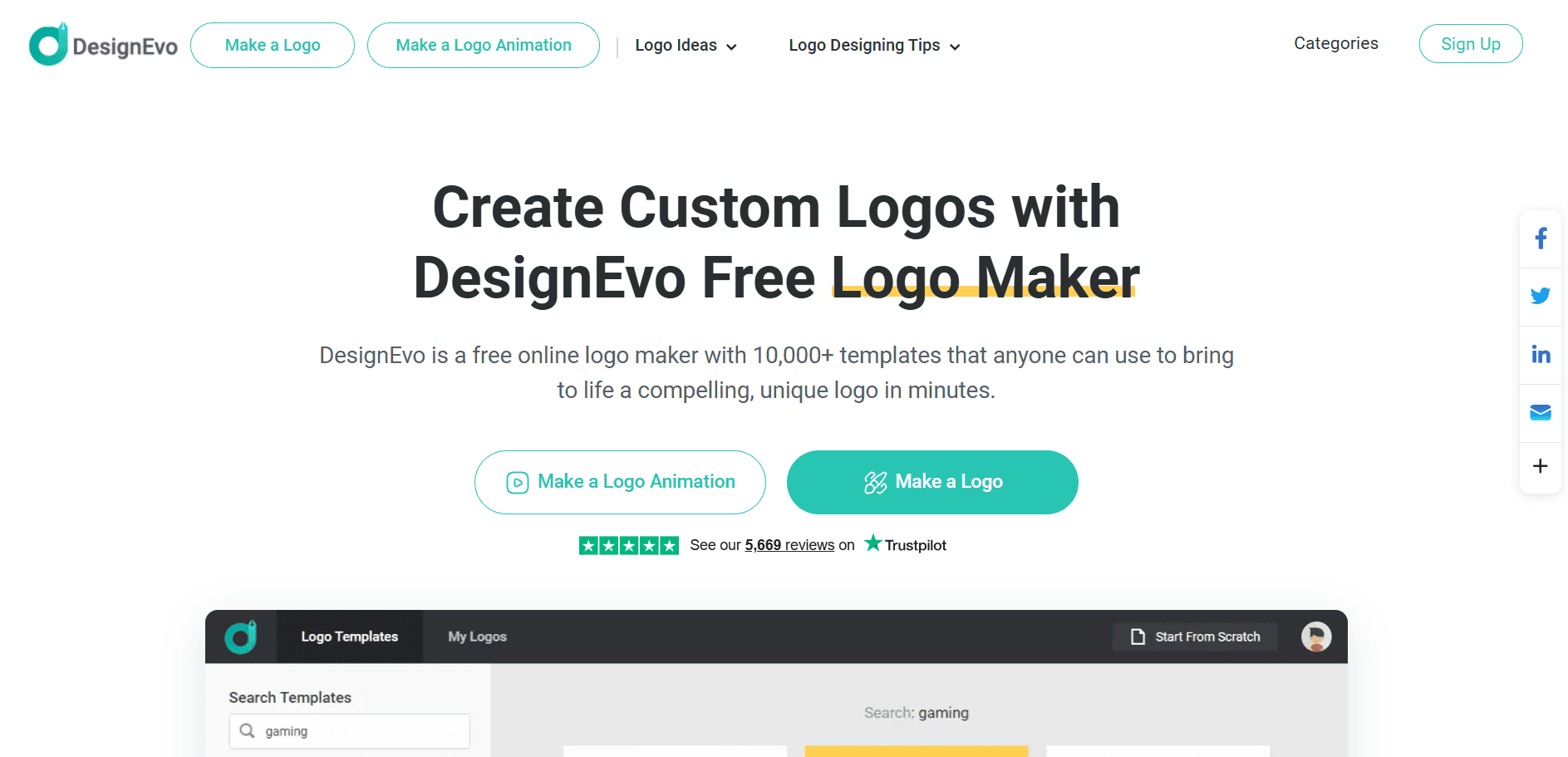
DesignEvo is a web and mobile logo-making tool that helps you create custom logos without needing prior design experience.
Main Advantages of the Tool
- Templates: There are 10K+ logo templates available for different fields and industries.
- Fonts: Get access to 100+ fonts providing diverse styles.
- Files: Download the logo with high-resolution SVG and PDF files.
- Ownership: The platform provides users with copyright ownership over their logo.
- Create Logo For: You can generate logos for social media profiles, websites, brand logos, website or blog logos, and more.
Logo Creation Process
With DesignEvo, we couldn’t create logos just by entering the brand name; we first had to select the field so we could access the available templates.
We simply chose “bookstore,” and logos appeared immediately.
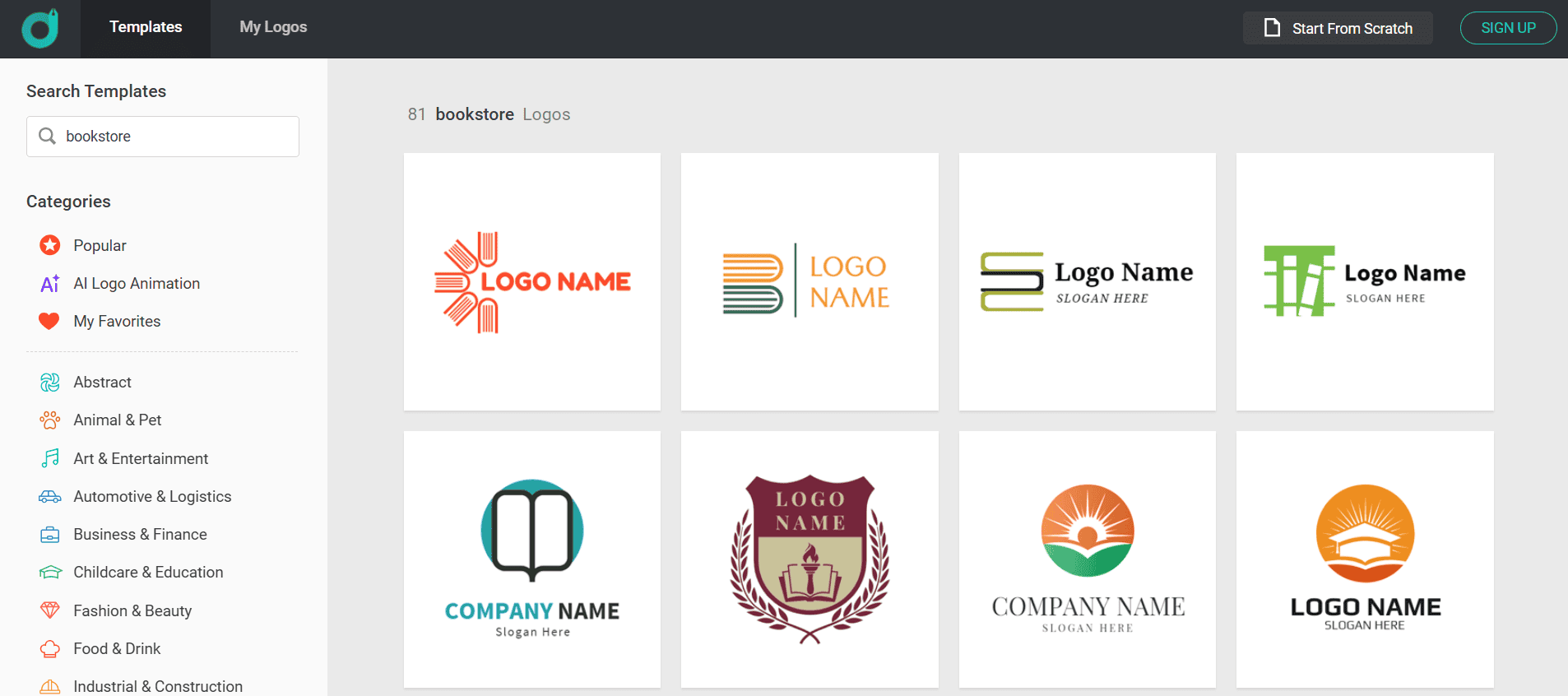
There were some templates we could choose from, but they did not have many elements that reminded us of the chosen field or made the logo unique.
This made the creation process even more difficult since we needed to spend a lot of time until we found the logo we liked and even more on customization.
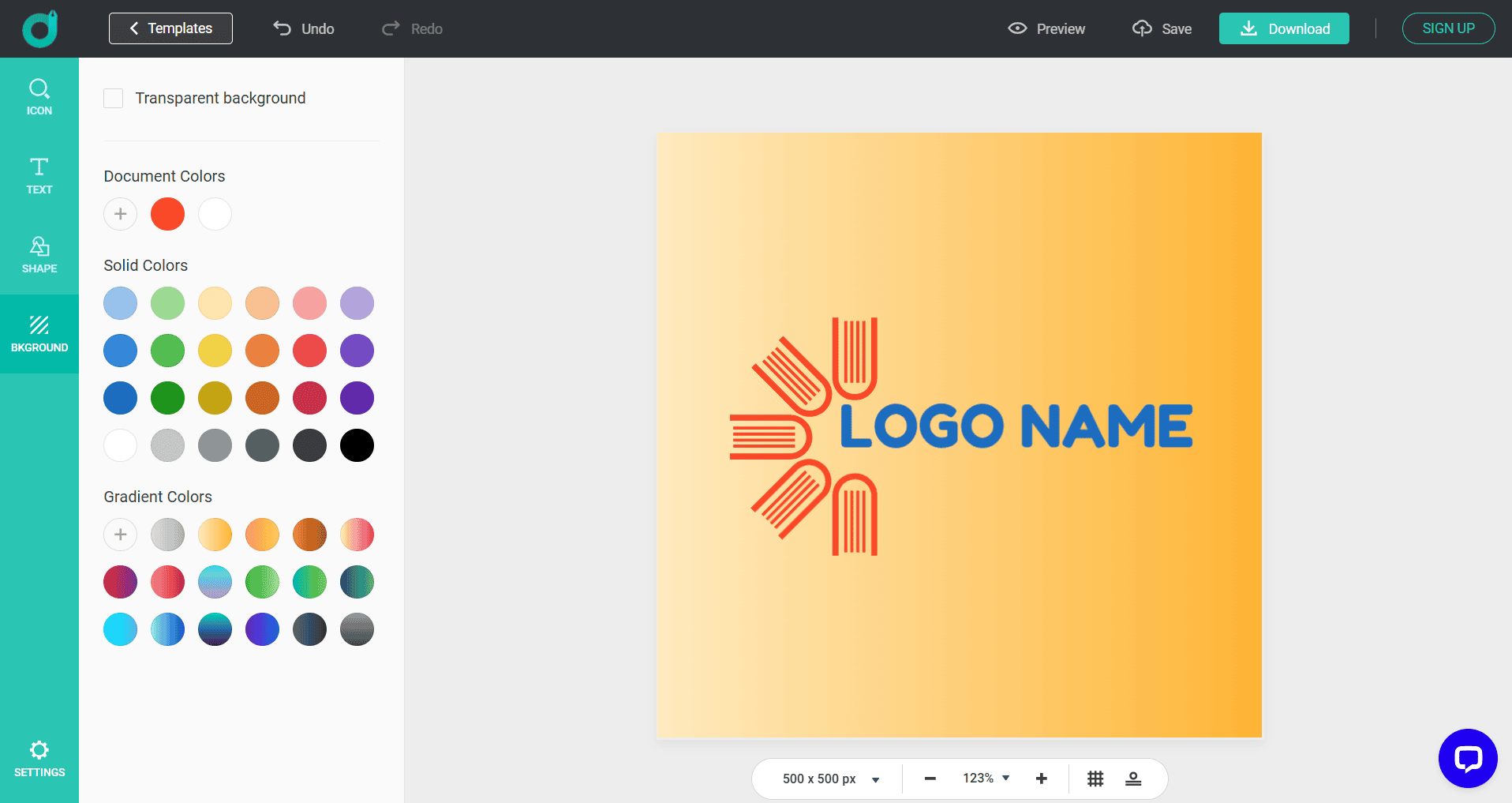
The customization option allowed us to change colors, background, font, add shapes, and even preview the logo.
Small Verdict
DesignEvo is an interesting tool for quick logo creation, but if you are looking for diversity, it is not the best option.
Here is a small chart with our rating of the most essential points:
| Main Aspects | Our Rating |
| Template Library | ⭐⭐⭐ |
| Design Quality | ⭐⭐⭐ |
| AI Integration | ⭐⭐⭐⭐ |
| Speed | ⭐⭐⭐⭐ |
| Ease of Use / Customization | ⭐⭐⭐⭐⭐ |
Logo.com
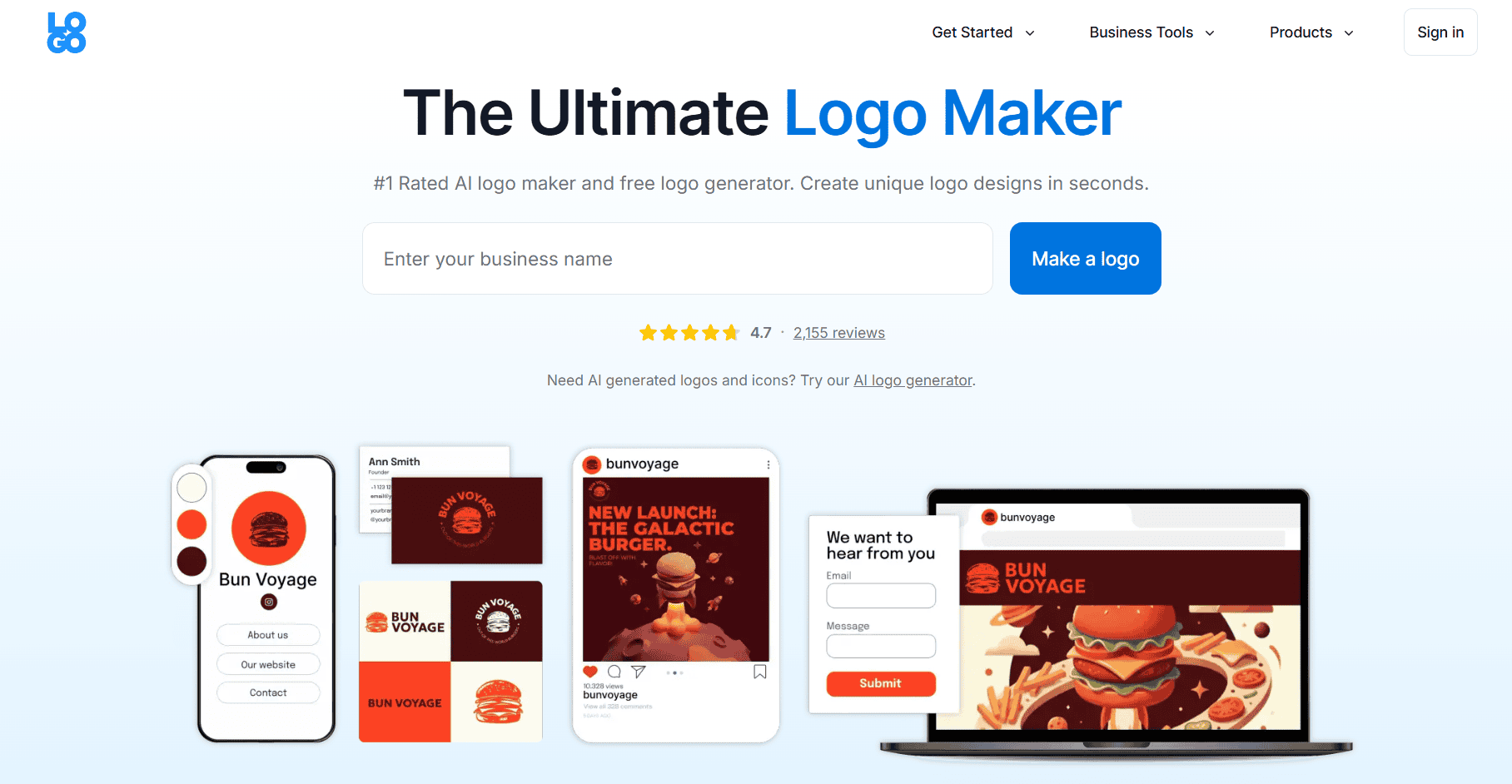
Logo.com is another AI-powered design tool that can help you create logos and other visual elements for your business from a single dashboard.
Main Advantages of the Tool
- Templates: There are hundreds of templates for finished logo concepts, and you can refresh them by icon, color, or category.
- Art Styles: You can customize the logo in styles such as Minimal, Illustration, Cartoon, Retro, Isometric, Pixel, Ink, Brush, and more.
- Icons: There is a huge library of icons, including five million stock icons for easy editing.
- Preview: You can see the logo on business cards and merchandise to understand if it fits the business.
- Commercial Rights: You can use the logo for ads, products, packaging, and more.
Logo Creation Process
We started by entering the business name, industry, relevant symbols, color scheme, and what we are going to use our logo for.
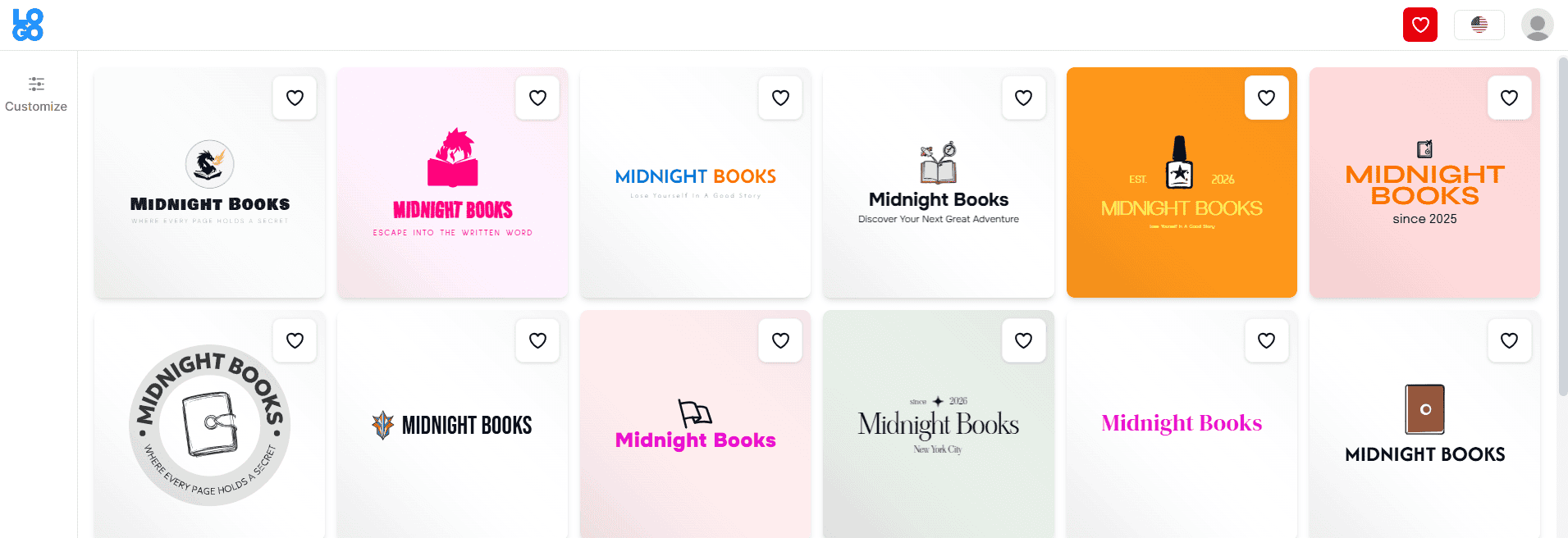
Logos appeared immediately. After choosing so many details, we expected professional, tailored logo designs, but that isn’t what we got.
The quality of the logos was not the best, and many logos were simply fonts and did not have any unique elements that reminded about the field.
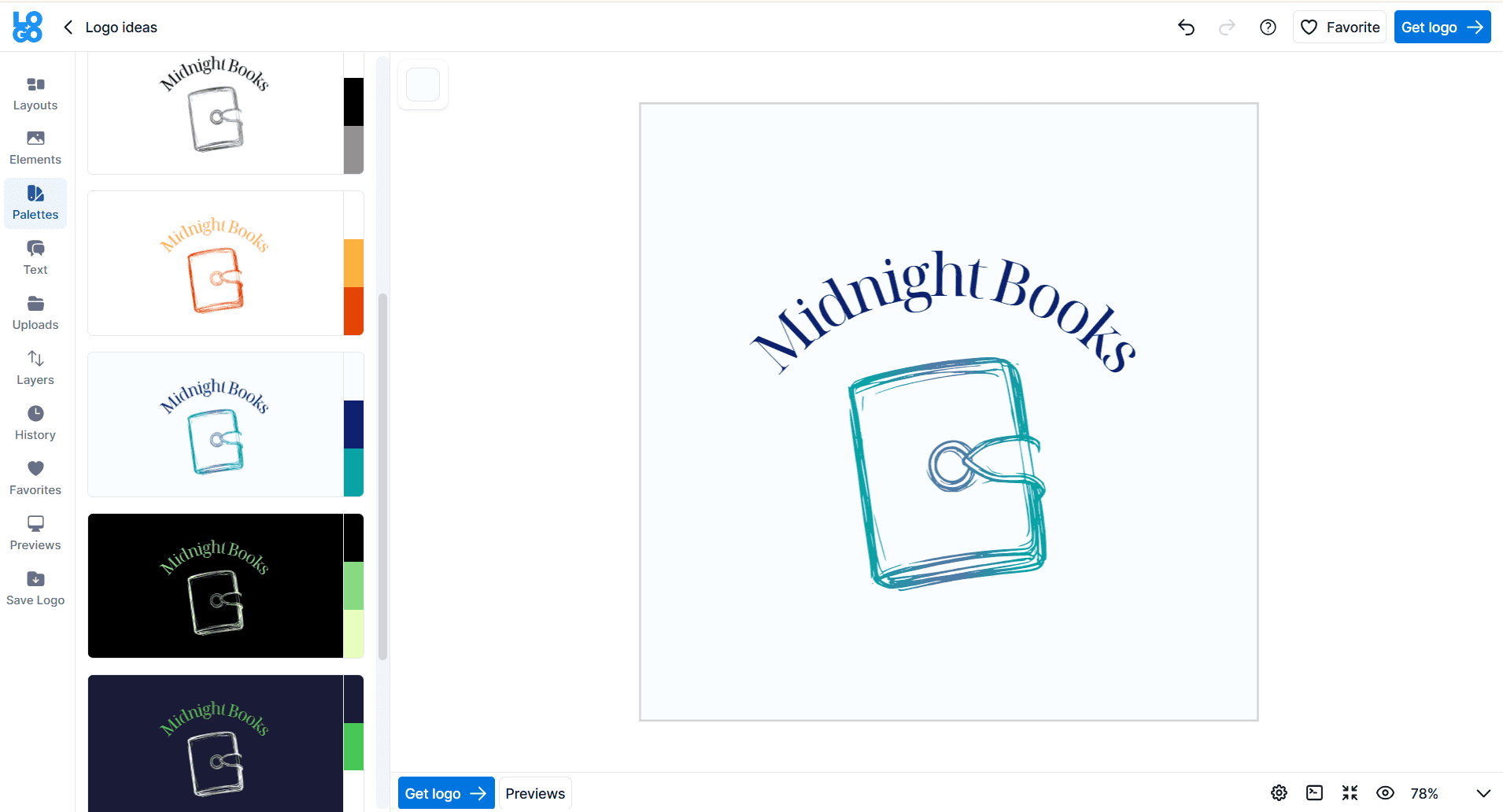
The customization option allowed us to change the colors, layout, fonts, preview the logo, add to favorites, or upload anything from our library.
Small Verdict
Logo.com is a nice logo maker with different customization options and templates, but not all the logos had elements that made them unique and special to our field.
Here is a small chart with our rating of the most essential points:
| Main Aspects | Our Rating |
| Template Library | ⭐⭐⭐⭐ |
| Design Quality | ⭐⭐⭐ |
| AI Integration | ⭐⭐⭐⭐ |
| Speed | ⭐⭐⭐⭐⭐ |
| Ease of Use / Customization | ⭐⭐⭐⭐⭐ |
Logomakerr.ai
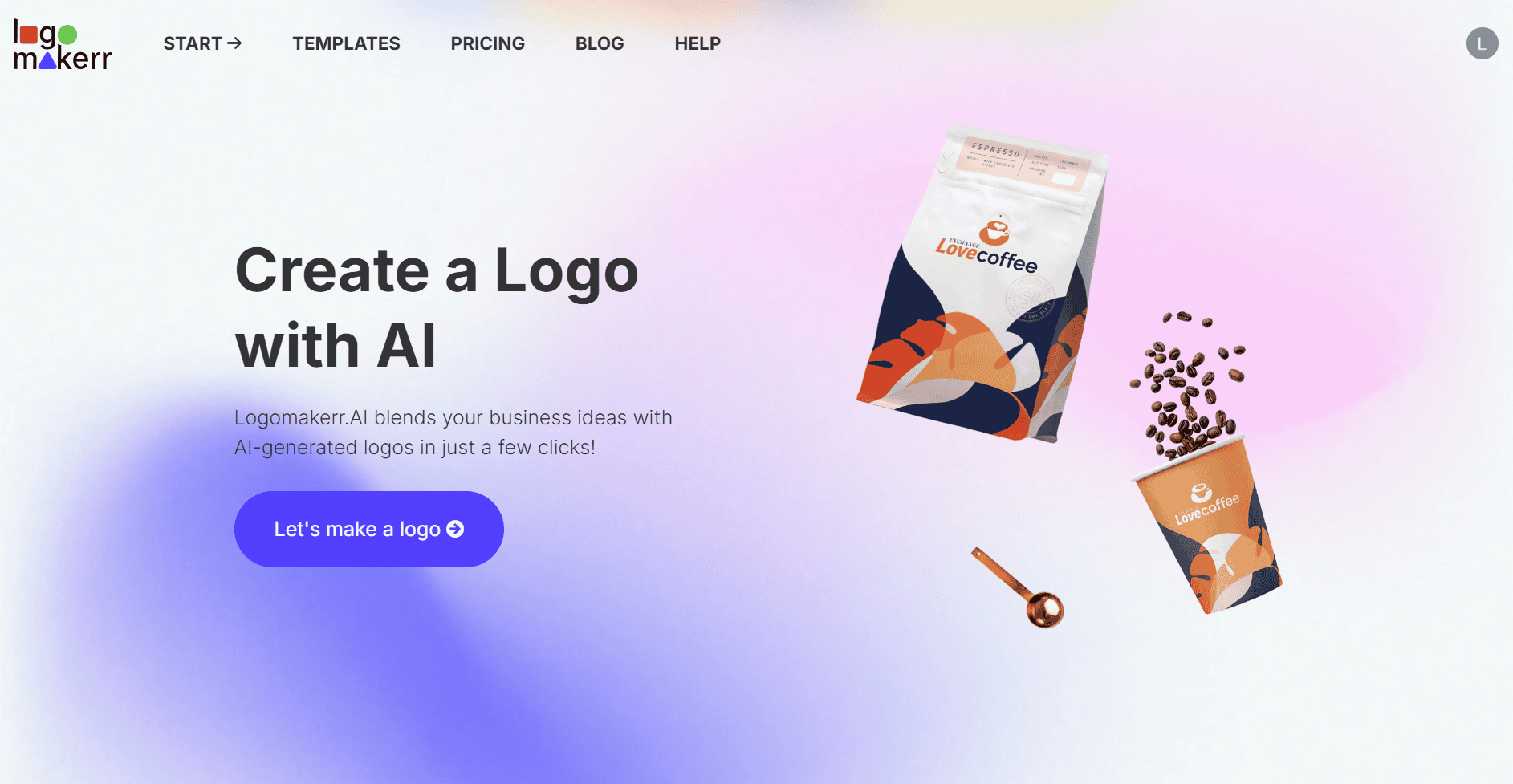
Logomakerr.ai is an online and AI-powered logo creator that can help businesses with any needs generate different design elements and customize them easily.
Main Advantages of the Tool
- Customizable: You can choose from different colors, fonts, symbols, and layouts to easily customize and get what you want.
- Not just Templates: You do not choose from different options but generate based on your industry and needs.
- Full Brand Kit: You can create business cards, PowerPoint templates, flyers, and social media posts.
- Designer Fix: There is a built-in designer fix that can easily fine-tune your design if you face any challenges.
Logo Creation Process
With Logomakerr.ai, we again started by adding the business name and also any symbols, colors, and font style.
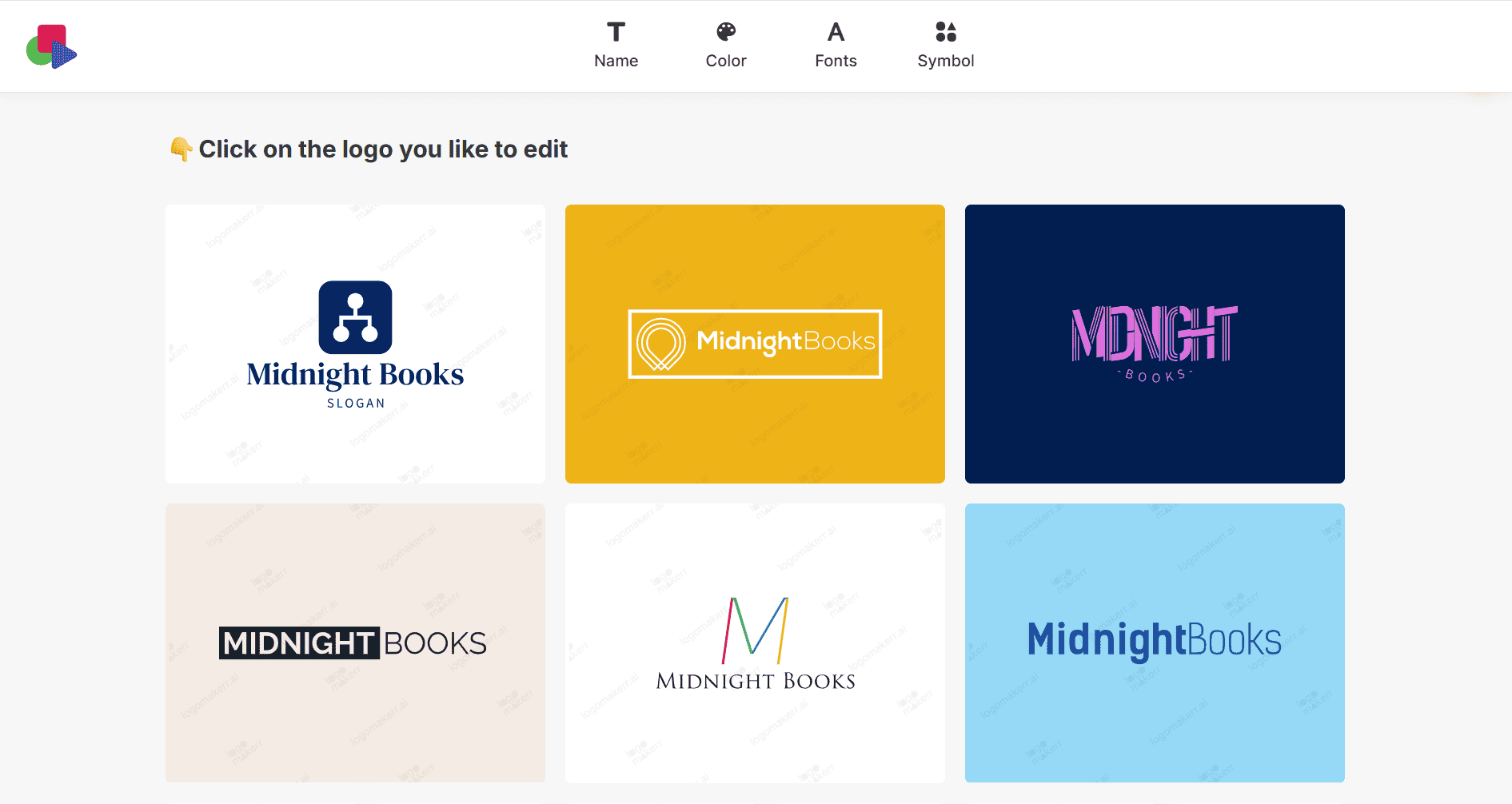
The logo creation here was slightly longer. The designs had the fewest symbols reminding about the field.
The quality was bad compared to the abovementioned logomakers, coloring was pale, and the logos would not make your brand stand out, especially in this competitive market.
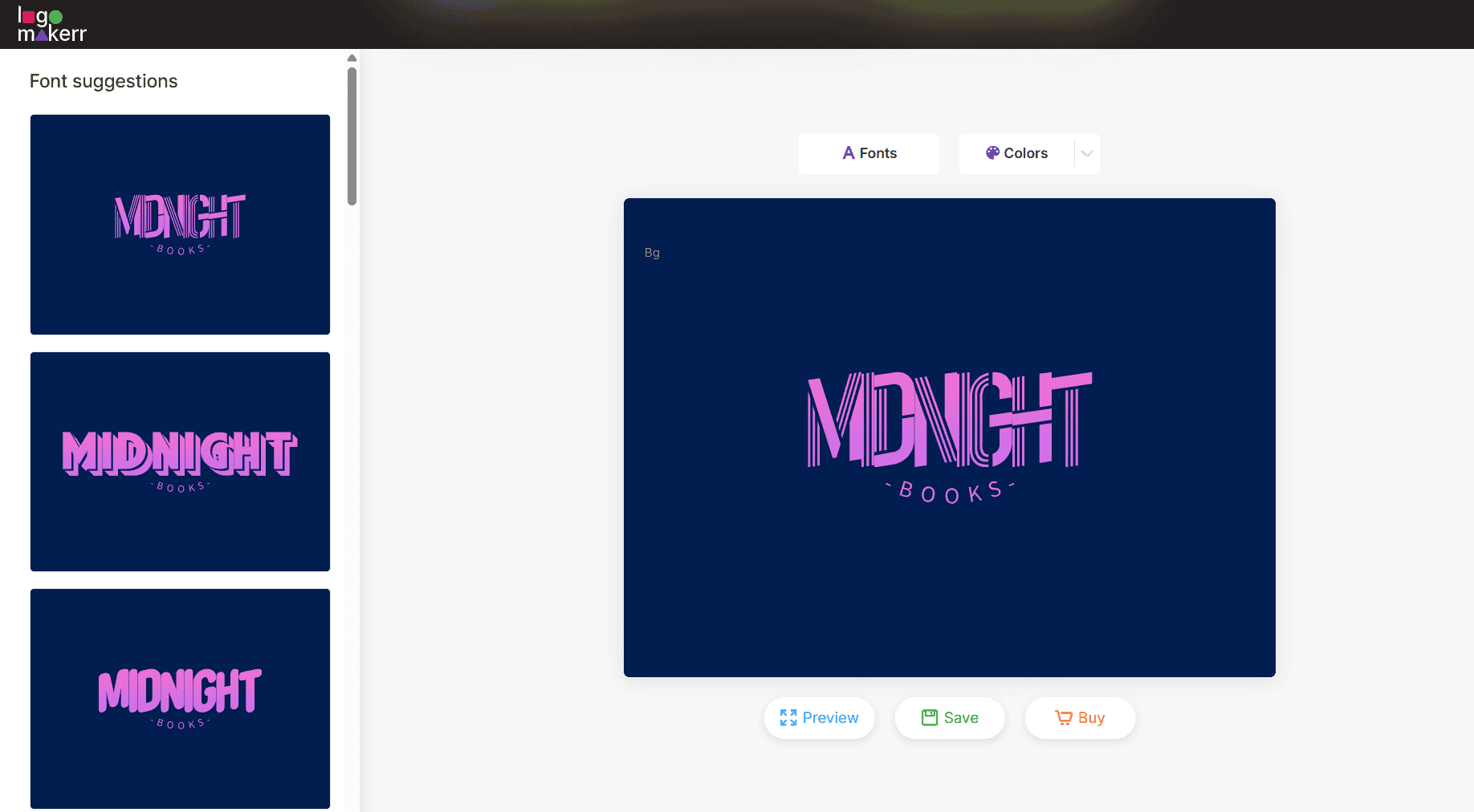
In the customization, we could change the fonts, colors, and preview our logo.
Small Verdict
Here is a small chart with our rating of the most essential points:
| Main Aspects | Our Rating |
| Template Library | ⭐⭐⭐⭐ |
| Design Quality | ⭐⭐ |
| AI Integration | ⭐⭐⭐⭐ |
| Speed | ⭐⭐⭐ |
| Ease of Use / Customization | ⭐⭐⭐⭐⭐ |
LogoMakr.com
LogoMakr.com is an online design tool that can help you create custom logos using AI that will easily fit your business needs.
Main Advantages of the Tool
- AI Generation: The integrated AI tool will generate logos in a matter of seconds, and you can easily edit them.
- Files: You can download the logos in PNG, JPG, SVG, and PDF files.
- Control Over the Logo: You can alter the logo, rotate, resize, recolor, and change any elements you like.
- Create Based on the Needs: Instead of a fixed library, the logos are created based on the style and industry preferences.
Logo Creation Process
Here for generating a logo, we needed to add the business name and a description of how the logo should look and feel.
The generation took a bit longer compared to the previous tools.
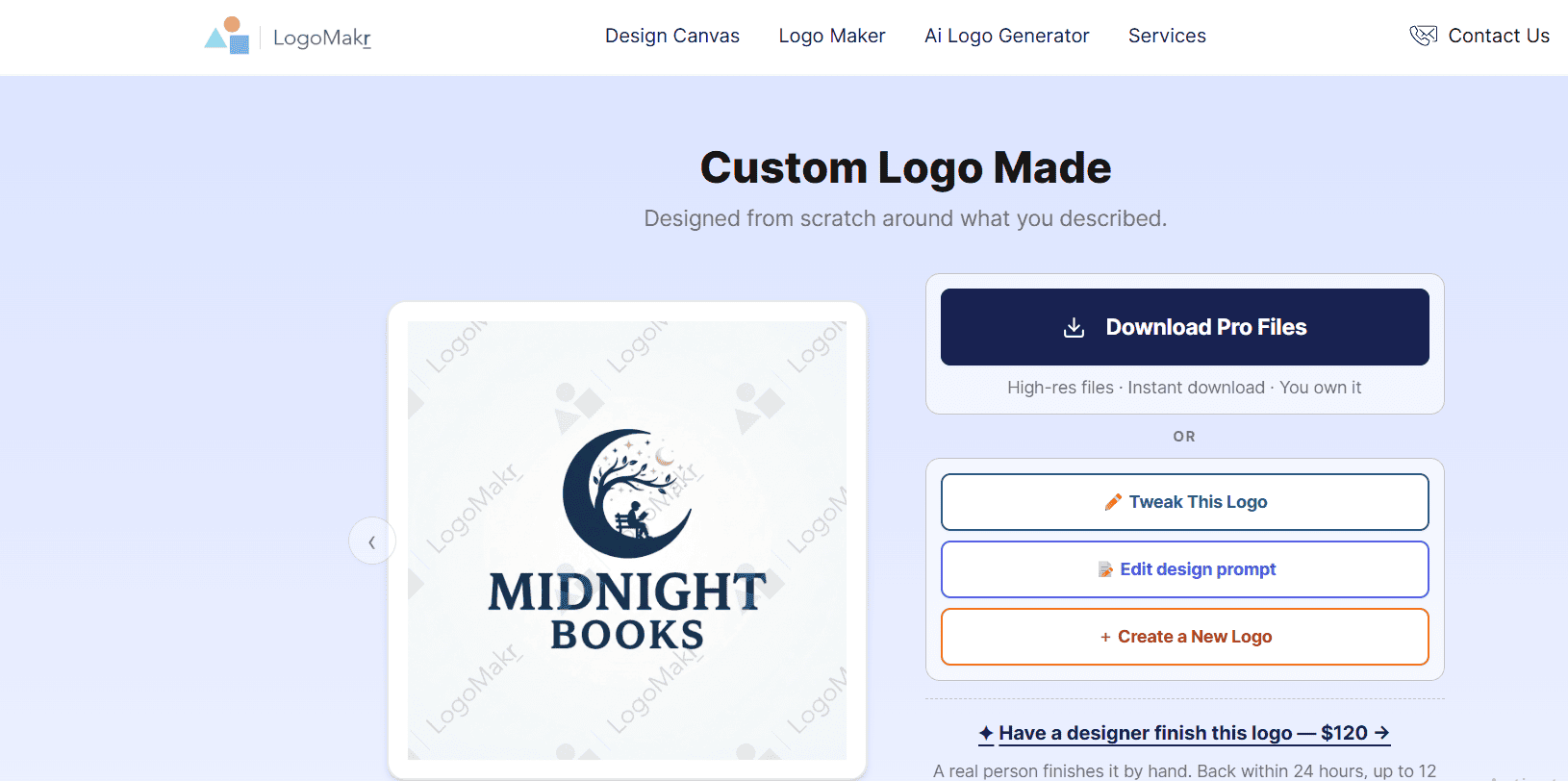
The logo maker provided only one logo that we could use; it was personalized based on our description, but if there were any huge changes or if we wanted to consider different styles and designs, we needed to restart the creation process.
The quality was good; it had interesting design and coloring.
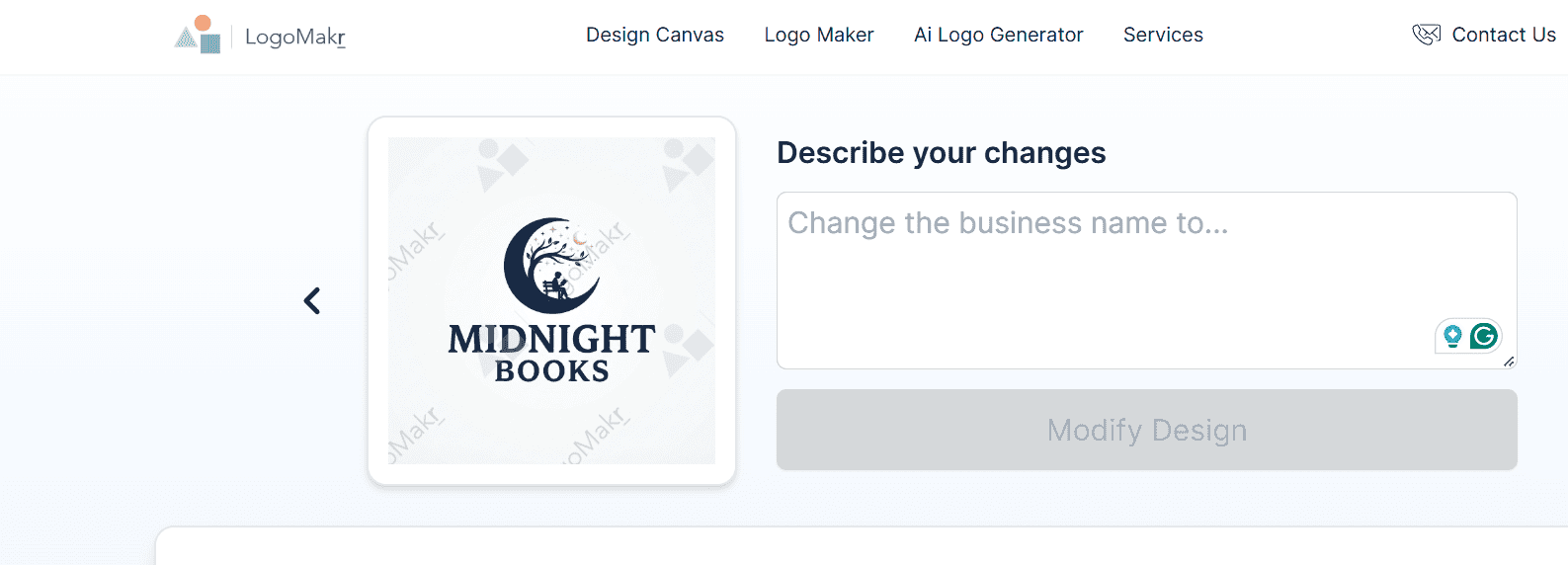
Customization was also different from the other tools; we could only give AI the changes we wanted to make, and it would create the changes.
Small Verdict
Logomakr.com is a good tool in terms of AI use and interesting design, but if you are looking for diversity, you might encounter challenges and spend a lot more time on generation.
Here is a small chart with our rating of the most essential points:
| Main Aspects | Our Rating |
| Template Library | ⭐⭐⭐ |
| Design Quality | ⭐⭐⭐⭐ |
| AI Integration | ⭐⭐⭐⭐⭐ |
| Speed | ⭐⭐⭐ |
| Ease of Use / Customization | ⭐⭐⭐ |
LogoDesign.net
LogoDesign.net is another online branding platform and AI-powered logo maker that helps to create custom visual designs.
Main Advantages of the Tool
- All-in-One Tool: The tool provides you with a website builder, social media designs, business card maker, QR code generator, postcard designs, and more.
- Files: Download the logos in PDF, PNG, and JPG files.
- Logo Amount: There are 10K+ logos to choose from.
- Support: Users get 24/7 support.
- Custom Designers: You can work with Custom designers to create your unique logo.
Logo Creation Process
All we needed to do for logo creation on LogoDesign was write the business name, and the logos were generated.
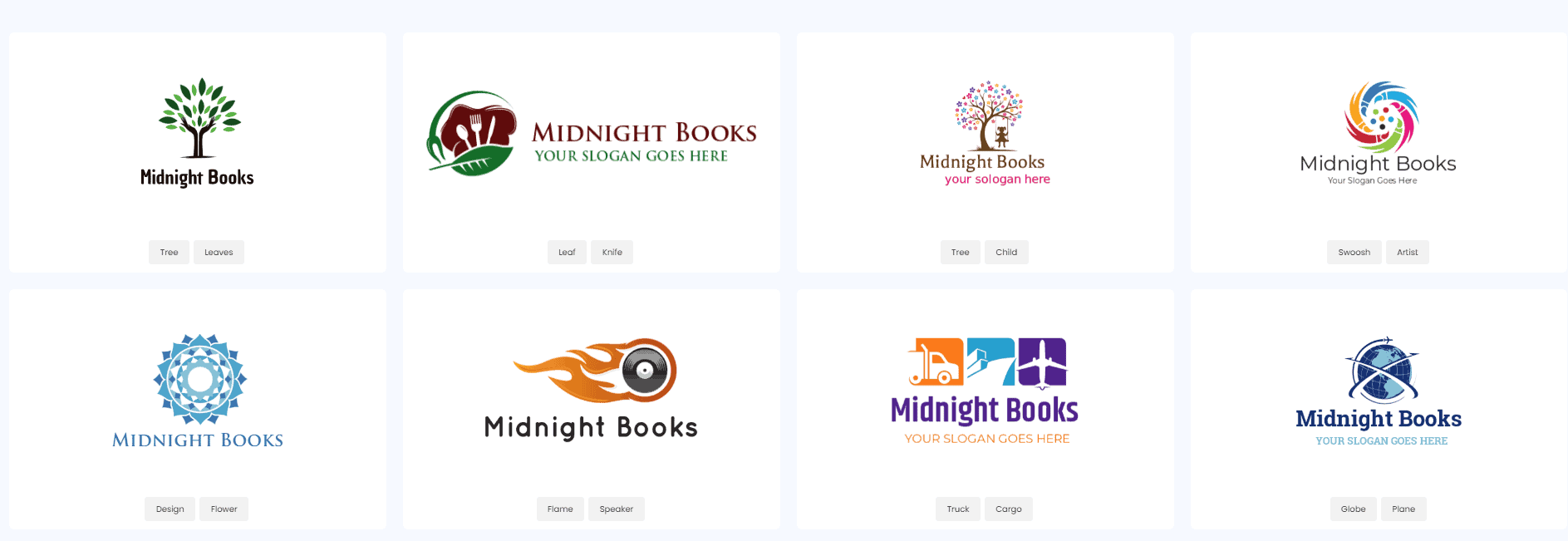
Designs were very old-fashioned, and there was not even a single design that included elements that reminded books.
The quality was also not the best; details were outdated, and colors were pale.
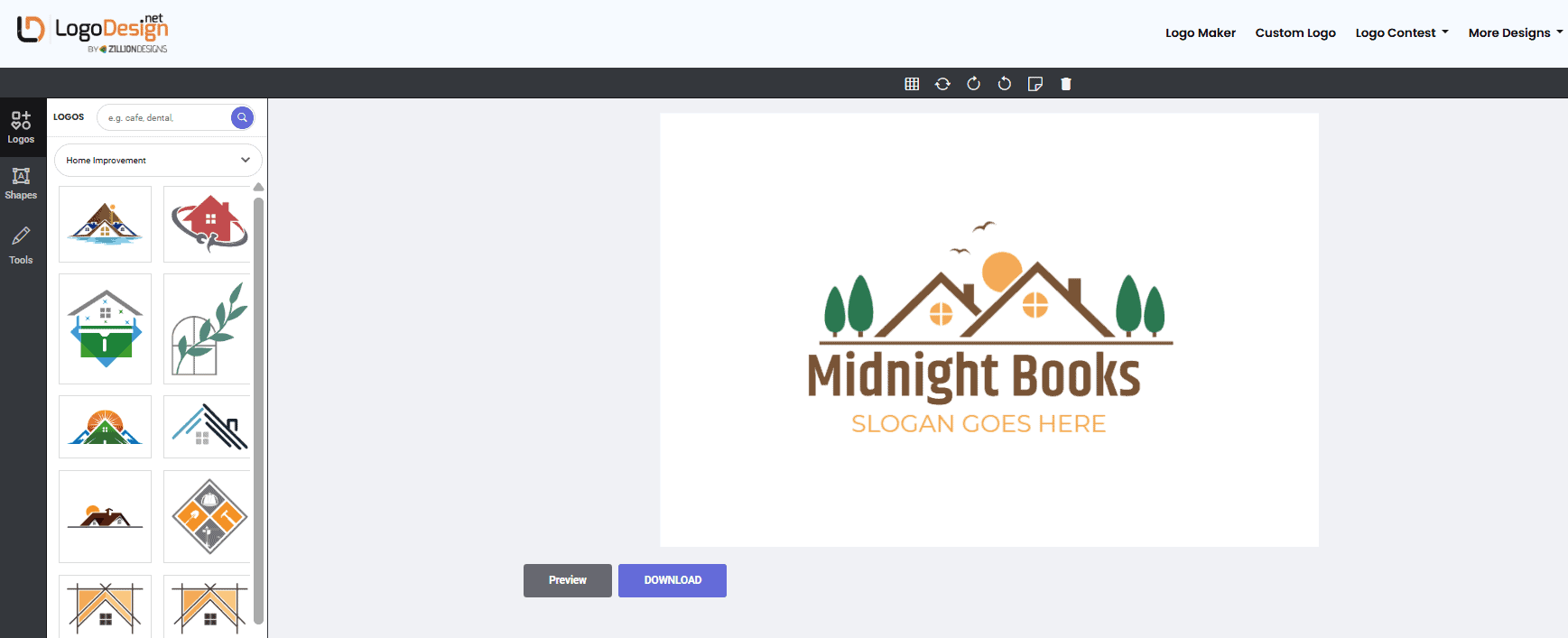
The customization included adding certain icons, changing shapes, and previewing the logo.
Small Verdict
LogoDesign.net is a quick tool to work with, but if you’re looking for quality and unique design, it’s surely not the best option.
Here is a small chart with our rating of the most essential points:
| Main Aspects | Our Rating |
| Template Library | ⭐⭐⭐ |
| Design Quality | ⭐⭐ |
| AI Integration | ⭐⭐⭐ |
| Speed | ⭐⭐⭐⭐ |
| Ease of Use / Customization | ⭐⭐⭐⭐⭐ |
Summing Up
As a result, there are different design platforms that stand out as competitors to Canva.
These tools are especially interesting options for quick design generation and easy-to-use customization.
However, not all of them might provide the quality and variety of logos most of our readers might aim for.
If you ask us, after our review, we would recommend starting with Design.com since it is the tool that provides top-quality, advanced AI integration and an extensive library of templates.
But the choice is entirely up to you. Try the tools on your own and find the one that you prefer the most.