Choosing the right accounting software can feel like picking a new phone. They all promise big things. They all look shiny. But which one truly fits your small business? Two of the biggest names are FreshBooks and QuickBooks. Both are powerful. Both are popular. But they are not the same.
TLDR: FreshBooks is simple, clean, and perfect for freelancers and service-based businesses. QuickBooks is more powerful and better for growing businesses that need advanced features. If you want easy invoicing and time tracking, pick FreshBooks. If you want deep reports, inventory, and full accounting tools, QuickBooks wins.
Meet the Contenders
Let’s start with a quick intro to both tools.
FreshBooks was built with freelancers in mind. Think designers, consultants, photographers, and small service teams. It focuses on invoicing, tracking time, and getting paid faster.
QuickBooks, especially QuickBooks Online, is made for small to medium businesses. It handles accounting from A to Z. That includes payroll, inventory, taxes, and detailed reports.
One is simple and friendly. The other is deep and powerful.
Ease of Use: Which One Is Simpler?
If you hate complicated menus, this part matters.
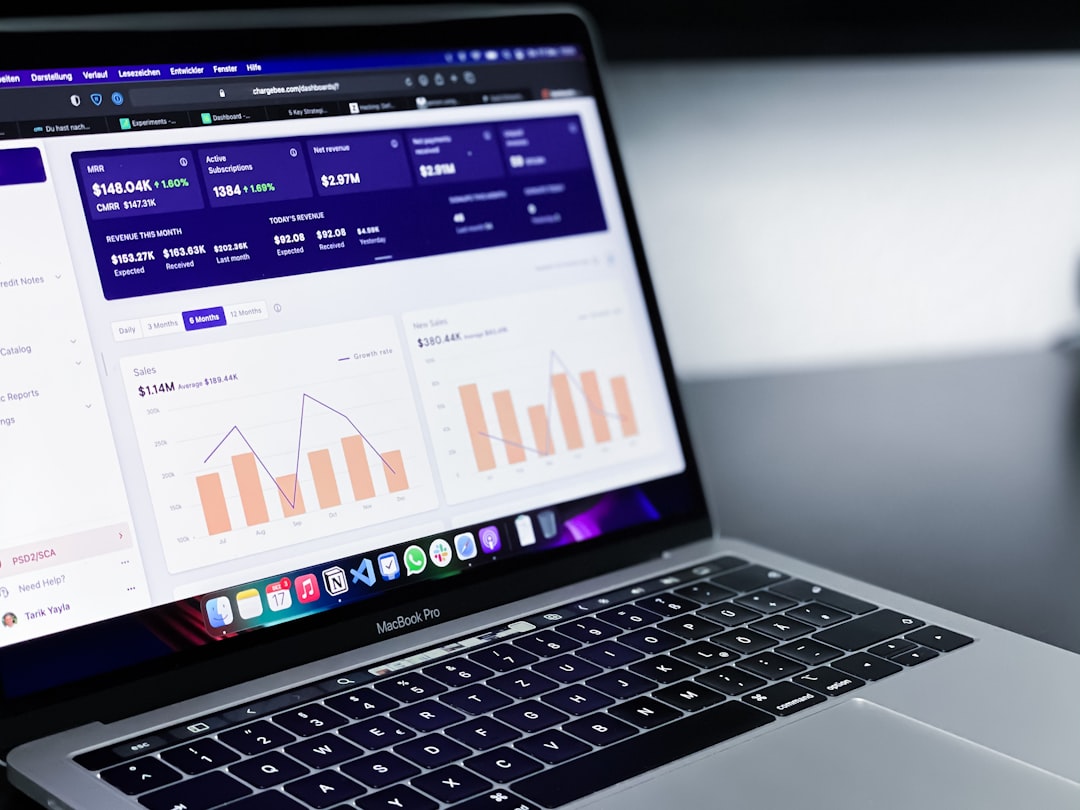
FreshBooks shines in simplicity. The dashboard is clean. The buttons are clear. You can create an invoice in minutes. Even if you have zero accounting knowledge.
- Simple navigation
- Clean layout
- Easy invoice creation
- Great for beginners
QuickBooks is also user-friendly. But it has more features. That means more menus. More settings. More things to learn.
- More powerful dashboard
- More setup steps
- Slight learning curve
Winner for ease of use: FreshBooks. It feels lighter and less overwhelming.
Features: What Can They Actually Do?
Now let’s talk tools. Because features are where the real differences show.
FreshBooks Features
- Professional invoicing
- Expense tracking
- Time tracking
- Project management
- Online payments
- Basic reports
FreshBooks is excellent for service-based work. You can track hours. Add them to invoices. Send them to clients fast.
QuickBooks Features
- Advanced invoicing
- Expense tracking
- Inventory management
- Payroll
- Tax tools
- Detailed financial reporting
- Bank reconciliation
QuickBooks goes deeper. Much deeper. It can track products. Calculate cost of goods sold. Run profit and loss reports. Even help with tax prep.
Winner for features: QuickBooks. It simply does more.
Invoicing: Getting Paid Faster
Cash flow is king. So invoicing matters a lot.
FreshBooks was built for invoicing. It offers:
- Beautiful invoice templates
- Automatic late payment reminders
- Recurring invoices
- Deposit requests
- Easy online payments
QuickBooks also offers strong invoicing. You can customize templates and automate reminders. But the design feels more traditional.
If you send lots of invoices each month, FreshBooks feels smoother and faster.
Winner for invoicing: FreshBooks.
Reporting: Seeing the Big Picture
Reports help you understand your business. They show what’s working. And what’s not.
FreshBooks offers basic reports like:
- Profit and Loss
- Tax summaries
- Expense reports
- Accounts aging
QuickBooks offers all of that and much more:
- Cash flow reports
- Balance sheets
- Sales reports
- Inventory reports
- Forecasting tools
If you want deep financial insights, QuickBooks gives you more data. And more control.
Winner for reporting: QuickBooks.
Pricing: What Will It Cost You?
Budget matters. Especially for small businesses.
FreshBooks pricing is based on the number of clients you bill. Plans are simple and scale as you grow.
QuickBooks pricing depends on features. Higher plans unlock inventory, payroll, and advanced tools.
In general:
- FreshBooks is often cheaper for freelancers
- QuickBooks can get expensive with add-ons
- Payroll costs extra in both cases
If you just need basics, FreshBooks may cost less. If you need advanced tools, QuickBooks may be worth the extra money.
Integrations: Playing Nice with Other Apps
Most businesses use more than one tool.
FreshBooks integrates with apps like:
- Stripe
- PayPal
- G Suite
- Trello
- Shopify
QuickBooks integrates with hundreds of apps. Including:
- Payment processors
- CRM systems
- Ecommerce platforms
- Inventory tools
- Tax software
Because QuickBooks is older and widely used, more apps connect to it.
Winner for integrations: QuickBooks.
Customer Support: Who Has Your Back?
At some point, you will have questions.
FreshBooks offers:
- Email support
- Phone support
- Helpful knowledge base
QuickBooks offers:
- Live chat
- Phone support
- Community forums
- Large help center
Both offer solid support. QuickBooks has a larger community. That means more tutorials and online answers.
This one is close. Let’s call it a tie.
Comparison Chart
| Feature | FreshBooks | QuickBooks Online |
|---|---|---|
| Ease of Use | Very simple and beginner friendly | User friendly but more complex |
| Invoicing | Excellent and beautifully designed | Strong but more traditional |
| Reporting | Basic reports | Advanced and detailed reports |
| Inventory | Not ideal for product heavy businesses | Full inventory tracking |
| Payroll | Available as add on | Available as add on |
| Best For | Freelancers and service businesses | Growing and product based businesses |
Who Should Choose FreshBooks?
FreshBooks is perfect if you are:
- A freelancer
- A consultant
- A creative professional
- Running a small service based business
If your main tasks are sending invoices, tracking time, and managing clients, FreshBooks is ideal.
It feels light. It feels modern. And it saves time.

Who Should Choose QuickBooks?
QuickBooks is better if you:
- Sell physical products
- Manage inventory
- Have employees and payroll
- Need detailed financial reports
- Plan to scale quickly
It is strong. Reliable. And built for growth.
Scalability: Thinking Long Term
Where will your business be in two years?
If you plan to stay solo, FreshBooks is more than enough.
If you plan to build a team, add products, or seek investors, QuickBooks may give you more flexibility.
Switching accounting software later can be a hassle. So think ahead.
Final Verdict: FreshBooks Vs QuickBooks
There is no universal winner. Only the right fit for you.
Choose FreshBooks if:
- You want simplicity
- You care about beautiful invoices
- You run a service based business
Choose QuickBooks if:
- You need full accounting power
- You manage inventory or payroll
- You want advanced reporting
Both tools are solid. Both are trusted by millions.
In the end, the best accounting software is the one that makes your life easier. Not harder. Choose the one that fits your workflow. Your budget. And your future plans.
Because good bookkeeping is not just about numbers. It is about peace of mind.