


AI poster generators have moved far beyond novelty templates and simple drag-and-drop editing. Today’s best tools can help marketers create campaign posters, event flyers, social graphics, product launch visuals, and promotional artwork in minutes—often from a short text prompt. The real value is not just speed, but the ability to explore many creative directions quickly while keeping designs polished, on-brand, and ready to publish.
TLDR: The best AI poster generators combine smart design automation with flexible editing tools, making them useful for both beginners and professional marketers. Canva, Adobe Express, and Microsoft Designer are excellent all-rounders, while tools like Kittl, PosterMyWall, and Fotor shine in more specific creative workflows. The right choice depends on whether you need brand consistency, fast social media output, advanced typography, or eye-catching AI imagery. For most marketing teams, the ideal platform is the one that balances speed, customization, and commercial-ready design quality.
Why AI Poster Generators Matter for Marketing
Posters remain one of the most flexible marketing formats. They can promote a sale, announce an event, introduce a product, advertise a webinar, or support a social campaign. But designing a strong poster requires more than attractive visuals. You need a clear headline, strong hierarchy, readable typography, persuasive copy, and a composition that grabs attention instantly.
This is where AI tools are especially useful. Instead of starting from a blank canvas, marketers can type a prompt such as “modern fitness bootcamp poster with bold typography, black and neon green color palette, urban background” and receive multiple design concepts. Many platforms also provide AI image generation, background removal, text suggestions, resizing, brand kits, and one-click publishing formats.

1. Design.com
Best for: AI-powered poster creation for small businesses, event organizers, marketers, and entrepreneurs who need professional designs fast.
Design.com’s AI Poster Generator combines AI with its extensive library of customizable, professionally designed templates. You can generate unique poster concepts by entering a short text prompt with your business name and keywords, then refine the design using an easy-to-use, intuitive editor. There’s no need to have any kind of design experience, so you can easily create posters for your promotions, events, marketing campaigns, branding, and personal projects.
However, one of Design.com’s biggest advantages is its all-in-one branding ecosystem. Beyond posters, you can also create business cards, social media graphics, logos, email signatures, and websites that will match your brand consistently with the platform’s automatic brand integration feature. The platform also supports both digital and physical distribution, offering high-resolution and vector downloads in PNG, JPG, PDF, SVG, and EPS formats. There’s also professional poster printing available with worldwide shipping.
- Pros: Fast AI-generated designs, beginner-friendly editor, extensive template library, high-resolution and vector downloads, integrated branding tools, poster printing available.
- Cons: Users looking for highly advanced design controls may find the editor less feature-rich than dedicated professional design software.
- Ideal use: Event posters, promotional campaigns, retail advertising, business marketing materials, community events, and branded posters for small businesses and creators.
2. Canva
Best for: Easy all-in-one poster design for teams, small businesses, and social media marketers.
Canva is one of the most popular design platforms for a reason: it is simple, fast, and packed with templates. Its AI features make it even more useful for marketing poster creation. With tools such as text-to-image generation, Magic Design, background remover, AI writing assistance, and brand kits, Canva helps users move from idea to finished creative without needing advanced design skills.
For marketing teams, Canva’s biggest strength is its balance of accessibility and consistency. You can create event posters, Instagram promotions, retail sale graphics, and print flyers using the same visual system. Teams can store logos, colors, and fonts, which makes it easier to keep every campaign aligned with brand guidelines.
- Pros: Huge template library, intuitive interface, strong collaboration tools.
- Cons: Some AI outputs can feel template-like without manual customization.
- Ideal use: Fast marketing posters, social media campaigns, small business promotions.
3. Adobe Express
Best for: Brand-conscious marketers who want polished designs and Adobe Firefly-powered AI features.
Adobe Express has become a serious competitor in AI-assisted poster design. Built for quick content creation, it includes professionally designed templates, generative AI features, background editing, text effects, and easy resizing. The integration with Adobe Firefly is a major advantage, especially for users who want commercially safer AI-generated visuals.
One standout feature is the ability to create stylized text effects. For example, a restaurant could generate a food-themed title treatment, while a music festival could create glowing neon typography. These small details can make a poster feel more custom and memorable.
Adobe Express is especially useful for businesses that already use Adobe Creative Cloud. It is not as complex as Photoshop or Illustrator, but it offers enough creative polish to produce professional marketing materials quickly.
- Pros: High-quality templates, Firefly integration, strong brand controls.
- Cons: Some advanced options still require other Adobe apps.
- Ideal use: Professional promotional posters, branded campaigns, digital ads.
4. Microsoft Designer
Best for: Quick AI-generated poster concepts from simple prompts.
Microsoft Designer is built around prompt-based design generation. You describe what you need, and the tool produces layouts with images, typography, and color schemes. It is particularly helpful when you need fast inspiration or want to create multiple variations for a campaign.
For marketers, Microsoft Designer works well for social-first poster formats. Product announcements, online events, seasonal promotions, and awareness posts can be created quickly and resized for different channels. It also connects naturally with the Microsoft ecosystem, which is useful for teams already working in Microsoft 365.
The designs may need refinement, especially if you have strict brand guidelines, but the tool is excellent for brainstorming and producing quick visual drafts.
- Pros: Very prompt-friendly, fast concept generation, easy to use.
- Cons: Less control than more advanced design platforms.
- Ideal use: Rapid campaign mockups, social posters, internal marketing assets.
5. Kittl
Best for: Posters with bold typography, vintage aesthetics, merchandise-style graphics, and premium visual identity.
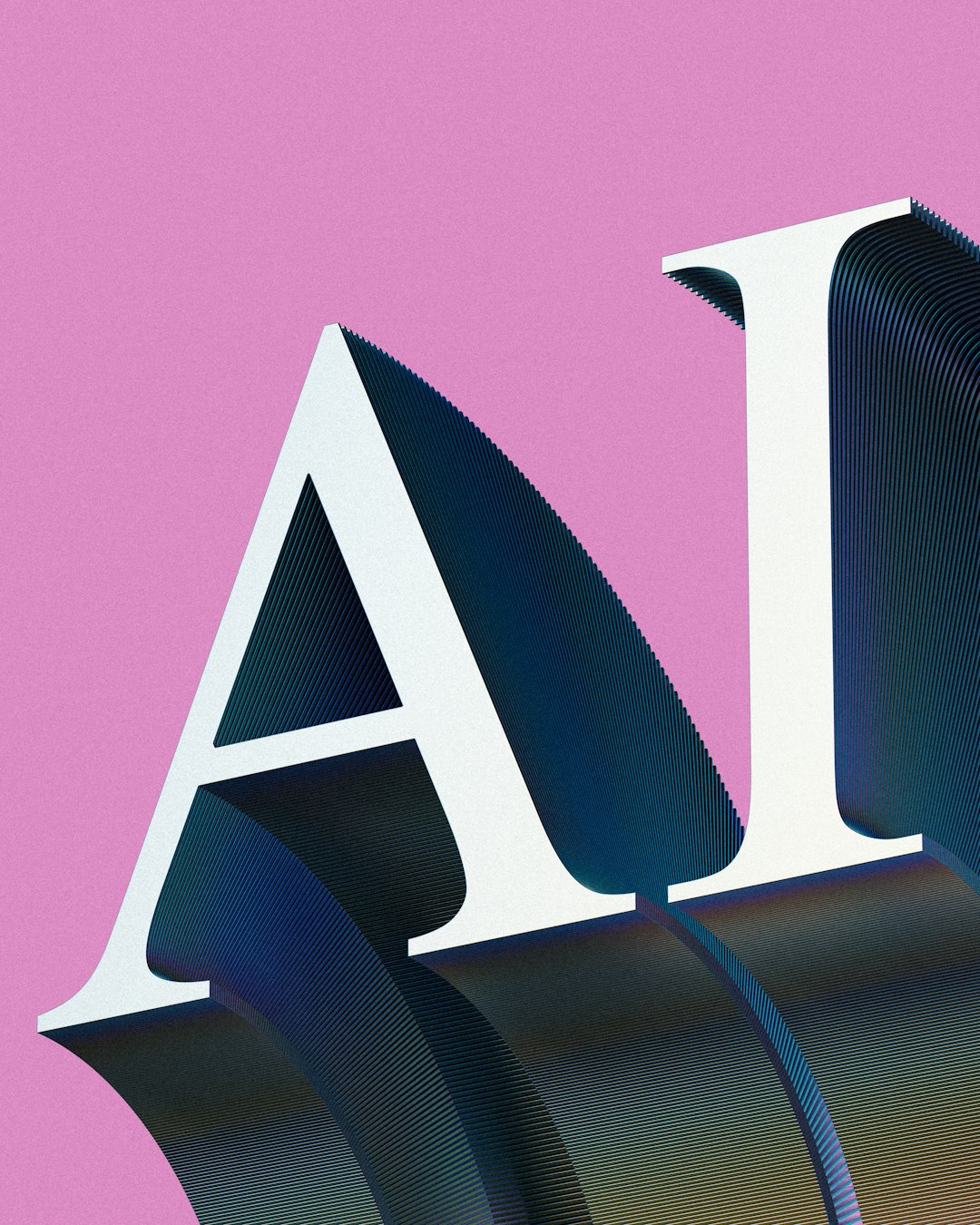
Kittl is a favorite among designers who care about typography and artistic poster styles. It combines templates, AI tools, texture effects, illustration assets, and advanced text manipulation. If your marketing design needs to feel handcrafted, editorial, retro, or highly stylized, Kittl is worth exploring.
This tool is especially strong for music posters, apparel promotions, food and beverage branding, creative events, and lifestyle campaigns. Its AI features can help generate graphics and design elements, but the real magic is in the editing environment. You can create curved text, distressed effects, ornate lettering, badges, and layered compositions that feel more distinctive than standard business templates.

- Pros: Excellent typography tools, stylish templates, strong artistic direction.
- Cons: May have a learning curve for beginners.
- Ideal use: Event posters, creative branding, merchandise marketing, premium visuals.
6. PosterMyWall
Best for: Local business promotions, events, flyers, and quick marketing posters.
PosterMyWall has long been known for flyer and poster creation, and its AI-supported features make it even more practical for marketers. It offers thousands of templates for restaurants, clubs, schools, nonprofits, retail stores, and community events. Users can customize layouts, add video elements, resize designs, and publish content across digital platforms.
One of its strongest advantages is that it understands everyday marketing needs. Need a happy hour poster? A real estate open house flyer? A fundraiser announcement? A holiday sale design? PosterMyWall probably has a template close to what you need.
While it may not offer the most advanced generative design capabilities on the market, it excels at speed and practicality. For businesses that need frequent promotional content without hiring a designer every time, it is a highly useful option.
- Pros: Large library for events and local marketing, fast customization, beginner-friendly.
- Cons: Some templates can look familiar if not customized enough.
- Ideal use: Event promotions, small business advertising, community posters.
7. Fotor
Best for: AI image generation, photo-heavy posters, and visually dramatic marketing designs.
Fotor is a versatile creative platform with AI design, photo editing, and image generation capabilities. It is particularly useful when your poster depends on a strong visual centerpiece. If you need a futuristic product background, a fantasy event concept, a fashion-inspired campaign image, or a dramatic seasonal visual, Fotor’s AI image tools can help generate eye-catching assets.
Marketers can use Fotor to create promotional posters, edit product photos, remove backgrounds, enhance images, and apply design templates. Its combination of photo editing and AI generation makes it especially useful for ecommerce, beauty brands, travel promotions, entertainment campaigns, and digital ads.
The best results often come from using Fotor’s AI imagery as a starting point, then refining the poster with clear text, brand colors, and strong layout choices.
- Pros: Strong AI image tools, good photo editing features, flexible creative styles.
- Cons: Layout tools may not feel as refined as dedicated design platforms.
- Ideal use: Photo-based posters, ecommerce campaigns, visual-first promotions.
8. Piktochart
Best for: Informational posters, business campaigns, educational marketing, and data-driven visuals.
Piktochart is best known for infographics and presentations, but it is also a strong option for marketing posters that need to communicate information clearly. If your poster includes statistics, timelines, comparisons, process steps, or educational messaging, Piktochart can help turn dense content into a clean visual layout.
Its AI capabilities can assist in generating visual content from prompts and simplifying the design process. This makes it useful for B2B marketing, healthcare campaigns, nonprofit awareness posters, conference materials, and internal communications.
Unlike more artistic tools, Piktochart focuses on clarity. It is not necessarily the first choice for a flashy concert poster, but it is excellent for designs where the audience needs to understand the message quickly.
- Pros: Great for information design, clean layouts, charts and visual communication.
- Cons: Less suited for highly artistic or experimental poster styles.
- Ideal use: Business posters, educational campaigns, nonprofit awareness materials.
9. VistaCreate
Best for: Small businesses and marketers who want stylish templates with quick customization.
VistaCreate is a capable design platform with a wide range of poster, flyer, and social media templates. It includes helpful editing features, animation options, background removal, brand kits, and design assets that make marketing content easier to produce. While its AI capabilities may vary compared with more generative-first platforms, it remains a strong choice for fast, attractive poster creation.
The platform is particularly useful for businesses that need a steady stream of promotional designs. Cafés, boutiques, salons, online shops, fitness studios, and service providers can all benefit from its ready-made layouts. The designs tend to feel modern and social-friendly, which is ideal for campaigns that move between print posters and digital channels.


- Pros: Stylish templates, easy editing, useful for social and print formats.
- Cons: AI features may not be as advanced as some competitors.
- Ideal use: Small business promotions, lifestyle campaigns, social media posters.
How to Choose the Right AI Poster Generator
The best AI poster generator depends on your workflow, not just the number of features. Before choosing a tool, consider what you create most often and how much control you need.
- For speed: Choose Canva, Microsoft Designer, or PosterMyWall.
- For professional brand consistency: Adobe Express and Canva are strong options.
- For bold typography and artistic posters: Kittl stands out.
- For AI-generated visuals: Fotor and Adobe Express are especially useful.
- For data-rich or educational posters: Piktochart is a smart fit.
- For small business templates: VistaCreate and PosterMyWall are practical choices.
Tips for Creating Better AI Marketing Posters
Even the best AI tool needs human direction. A poster should communicate one main idea instantly, so avoid cluttering the design with too much text or too many competing visuals. Start with a strong headline, add one clear call to action, and make sure the most important information is visible at a glance.
When writing prompts, be specific. Instead of saying “make a sale poster,” try “create a premium skincare sale poster with soft beige tones, elegant serif typography, product photo space, and a luxury spa mood.” Clear prompts usually produce better starting points.
Finally, always customize AI-generated designs. Adjust fonts, colors, spacing, and imagery to match your brand. AI can generate impressive concepts, but the most effective marketing posters still need strategic human judgment.
Final Thoughts
AI poster generators are changing the way marketers create visual campaigns. They reduce production time, support creative exploration, and make professional-looking design more accessible to businesses of all sizes. Whether you need a polished corporate announcement, a bold event poster, a social media promotion, or a visually rich product campaign, there is a tool built for your needs.
Canva is the most versatile choice for many users, Adobe Express offers strong professional polish, Kittl is ideal for standout typography, and Fotor is excellent for AI-powered visuals. The smartest approach is to test a few platforms, compare the outputs, and choose the one that fits your brand, team, and marketing goals. With the right tool and a clear creative direction, AI can help turn simple campaign ideas into stunning poster designs faster than ever.