



Organizations that rely on infrastructure monitoring often arrive at the same question: should they keep using Microsoft System Center Operations Manager, or should they consider a more flexible alternative such as Nagios? The answer depends on the environment, the operating systems in use, the team’s tolerance for configuration work, and the level of enterprise support required. This review examines Nagios as a potential SCOM alternative, focusing on its strengths, weaknesses, pricing, usability, and best-fit scenarios.
TLDR: Nagios can be a strong SCOM alternative for teams that want broad monitoring flexibility, plugin extensibility, and lower licensing costs. However, it usually requires more manual setup and tuning than SCOM, especially in complex enterprise environments. SCOM remains better suited for Microsoft-heavy infrastructures that need deep Windows and Azure ecosystem integration. Nagios is best for mixed environments, cost-conscious teams, and organizations that value customization over out-of-the-box convenience.
What Is Nagios?
Nagios is a widely used IT infrastructure monitoring platform that helps organizations track the health, availability, and performance of servers, networks, applications, services, and devices. It is best known for its plugin-based architecture, which allows administrators to monitor almost anything that can return a status check.
There are several Nagios-related offerings, but the two most commonly discussed are Nagios Core and Nagios XI. Nagios Core is the free, open-source monitoring engine. It is powerful, but it requires more manual configuration and technical skill. Nagios XI is the commercial version, offering a web interface, dashboards, reporting, configuration wizards, and vendor support.
By comparison, Microsoft System Center Operations Manager, commonly called SCOM, is an enterprise monitoring platform designed primarily for Microsoft-centric environments. It provides deep monitoring for Windows Server, Active Directory, SQL Server, Exchange, Hyper-V, and other Microsoft technologies. It can also monitor Linux, Unix, network devices, and applications, but its strongest value is typically found in organizations that are heavily invested in Microsoft infrastructure.


Nagios vs SCOM: Core Differences
The biggest difference between Nagios and SCOM is the philosophy behind each tool. SCOM is an enterprise management platform with structured management packs and strong Microsoft integration. Nagios is a modular monitoring framework that can be adapted to many different use cases through plugins, scripts, and custom checks.
- SCOM is generally more standardized, policy-driven, and enterprise-oriented.
- Nagios is generally more flexible, customizable, and platform-agnostic.
- SCOM is particularly strong in Microsoft workloads and native Windows monitoring.
- Nagios is strong in mixed environments with Linux, network equipment, custom applications, and legacy systems.
For organizations that want a guided monitoring experience with vendor-provided management packs, SCOM may feel more natural. For organizations that want granular control and the ability to monitor unusual systems, Nagios often provides more freedom.
Ease of Setup and Administration
SCOM is not always simple to deploy, but it does provide a structured enterprise architecture. It has management servers, agents, management packs, discovery rules, alerting logic, and reporting components. For Microsoft administrators, many concepts will feel familiar, especially in environments using Active Directory and Windows Server.
Nagios Core, by contrast, can feel less approachable at first. Configuration files, command definitions, host groups, service checks, and notification rules may require careful manual work. Teams comfortable with Linux, shell scripting, and configuration management tools may appreciate this approach. Teams expecting a polished, point-and-click experience may find it time-consuming.
Nagios XI reduces this barrier significantly. It includes web-based configuration, monitoring wizards, dashboards, user management, reporting, and visualizations. Even so, Nagios XI still tends to reward administrators who understand what is happening underneath the interface.
In short, SCOM may be easier for Microsoft-focused enterprise teams, while Nagios is easier for technically flexible teams that prefer open configuration and customization.
Monitoring Capabilities
Nagios can monitor a wide variety of infrastructure components, including servers, routers, switches, firewalls, databases, websites, APIs, services, logs, storage systems, and custom applications. Its monitoring power comes from plugins. If a plugin exists, Nagios can usually monitor the target. If a plugin does not exist, administrators can often build one.
SCOM also offers broad monitoring, but its strength comes from management packs. These packs contain predefined monitoring logic for specific technologies. Microsoft provides many official management packs, and third-party vendors offer additional packs for other systems. This approach can reduce setup time and provide expert-level monitoring logic without requiring administrators to write checks from scratch.
The trade-off is clear: Nagios offers more freedom, while SCOM offers more packaged intelligence for supported technologies. A company monitoring many custom applications may prefer Nagios. A company monitoring hundreds of Windows servers, SQL instances, and Microsoft services may prefer SCOM.
Alerting and Notifications
Both Nagios and SCOM provide alerting, escalation, and notification capabilities. Nagios is known for straightforward alert states such as OK, Warning, Critical, and Unknown. This simple model is easy to understand and can be adapted to many scenarios.
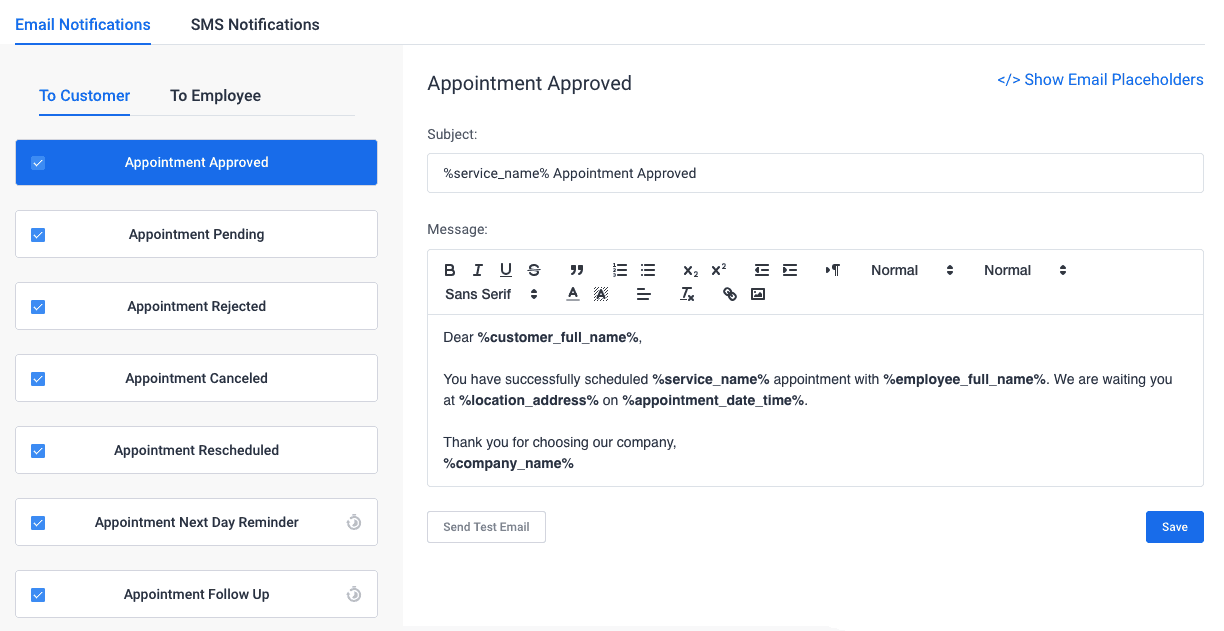
Nagios can send notifications through email, SMS gateways, scripts, chat integrations, incident management platforms, and other tools. Its flexibility is strong, but building polished notification workflows may require additional configuration or integrations.
SCOM offers more native enterprise alert handling, including alert tuning, health models, dependency awareness, and operations console views. It can provide more context for Microsoft applications because management packs understand relationships between components. However, SCOM can also generate significant alert noise if management packs are not tuned carefully.

Dashboards and Reporting
Nagios Core’s default interface is functional but dated. It provides essential status views, host details, service details, and availability information. For teams that only need practical monitoring, this may be enough. For executives, service owners, or non-technical stakeholders, it may not provide the most modern experience.
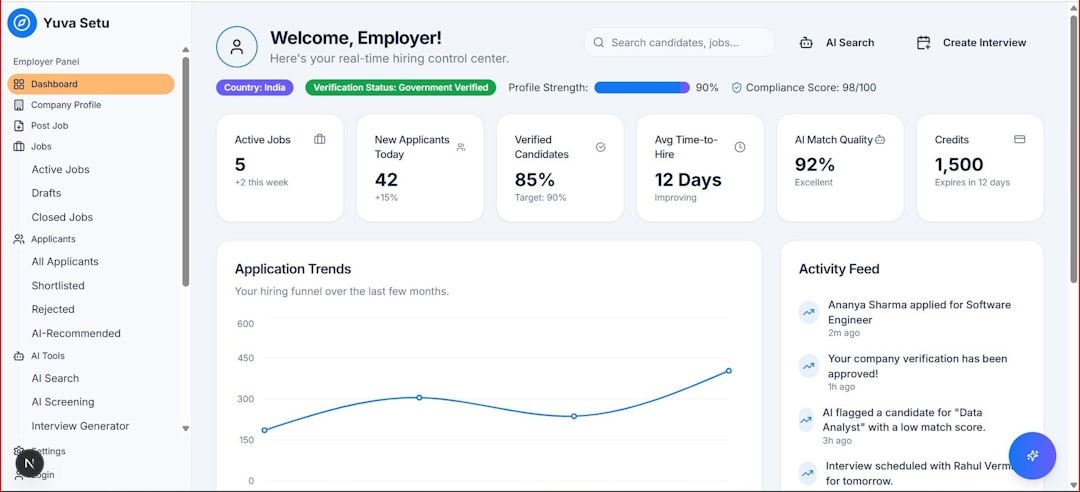
Nagios XI improves the situation with more attractive dashboards, reports, capacity planning views, SLA reports, and graphical visualizations. It is more suitable for organizations that need to share monitoring data beyond the infrastructure team.
SCOM has strong enterprise reporting options, especially when integrated with SQL Server Reporting Services and other Microsoft tools. It can produce availability, performance, and service-level reports. However, SCOM reporting can also feel complex and may require dedicated expertise to customize effectively.
Neither tool is always considered the most modern dashboarding platform when compared with newer observability tools. Many organizations pair Nagios or SCOM with external visualization platforms to create more polished reporting experiences.
Pricing and Total Cost of Ownership
Cost is one of the main reasons organizations consider Nagios as a SCOM alternative. Nagios Core is free and open source, which makes it appealing for smaller teams, labs, startups, and organizations with strong internal technical skills. However, free software is not the same as free operations. The time spent configuring, maintaining, documenting, and troubleshooting Nagios should be included in the total cost.
Nagios XI is commercial, but it is often perceived as more affordable than large enterprise monitoring suites. Pricing depends on licensing size and support needs. It may offer a good balance for organizations that want the Nagios ecosystem without relying entirely on manual administration.
SCOM licensing is usually tied to Microsoft enterprise licensing structures and System Center licensing. For organizations already invested in Microsoft licensing, SCOM may be financially reasonable. For others, especially those not heavily using Microsoft technologies, SCOM can feel expensive and operationally heavy.
Scalability and Performance
Nagios can scale well, but scaling requires planning. Large environments may need distributed monitoring, remote pollers, optimized check intervals, careful plugin management, and performance tuning. Poorly designed Nagios deployments can become difficult to manage as the number of hosts and services grows.
SCOM is designed for enterprise scale and provides architectural patterns for large deployments. It supports management groups, gateways, agents, and data warehouses. However, SCOM’s enterprise architecture can be complex, and maintaining it may require specialized administrators.
For small and mid-sized environments, Nagios may be simpler and more cost-effective. For very large Microsoft enterprises, SCOM may offer better governance and native structure. For large mixed environments, Nagios can work well if the team has the expertise to design and maintain it properly.
Integration and Extensibility
This is one area where Nagios shines. Its plugin ecosystem is extensive, and its open architecture makes it adaptable. Administrators can write checks in common scripting languages, integrate with ticketing systems, connect to notification platforms, and monitor custom business systems.
SCOM is extensible too, but usually in a more formalized way. Custom management packs can be created, and integrations are available for Microsoft and third-party systems. However, customization may require more specialized knowledge and can be more rigid than writing a Nagios plugin.

Strengths of Nagios as a SCOM Alternative
- Lower entry cost: Nagios Core is free, and Nagios XI may be cost-effective compared with enterprise suites.
- Excellent flexibility: It can monitor almost anything with the right plugin or script.
- Strong community: Nagios has a long history, extensive documentation, and many community plugins.
- Good for mixed environments: It is not tied to a single vendor ecosystem.
- Custom monitoring: Teams can create highly specific checks for unique systems.
Weaknesses of Nagios Compared with SCOM
- More manual configuration: Especially with Nagios Core, setup can be time-intensive.
- Less native Microsoft intelligence: SCOM provides deeper built-in understanding of Microsoft workloads.
- Interface limitations: Nagios Core’s UI is functional but not modern.
- Scaling complexity: Large deployments require careful design and ongoing tuning.
- Less packaged enterprise context: SCOM management packs can provide richer dependency and health models for supported applications.
Who Should Choose Nagios?
Nagios is a good choice for organizations that need flexible infrastructure monitoring without committing to a heavyweight enterprise platform. It is especially appealing to teams with Linux expertise, scripting skills, and mixed technology stacks. Managed service providers, network teams, DevOps groups, and smaller IT departments may find Nagios practical and affordable.
It is also a strong option when the monitoring environment includes many non-Microsoft systems. Routers, switches, Linux servers, custom applications, web endpoints, environmental sensors, and older infrastructure can often be monitored effectively through Nagios plugins.
Who Should Stay with SCOM?
SCOM remains a strong option for enterprises that rely heavily on Microsoft infrastructure. Organizations with large Windows Server estates, SQL Server clusters, Active Directory dependencies, Microsoft application stacks, and established System Center processes may benefit from staying with SCOM.
SCOM may also be better for teams that want vendor-supported management packs and standardized monitoring models. If the company already has trained SCOM administrators, mature alert tuning, and integrated Microsoft reporting, replacing it with Nagios may create unnecessary disruption.
Final Verdict: Is Nagios a Good SCOM Alternative?
Nagios can be a very good SCOM alternative, but it is not a direct one-to-one replacement for every organization. It is best viewed as a flexible, cost-conscious, and highly customizable monitoring platform rather than a full enterprise operations management suite built around Microsoft technologies.
For organizations with mixed infrastructure, budget constraints, custom monitoring needs, or strong technical administrators, Nagios may be the better fit. For companies deeply embedded in the Microsoft ecosystem, SCOM may still offer more native value, especially when management packs and enterprise reporting are used effectively.
The best decision depends on the environment. If flexibility, plugin support, and cost control matter most, Nagios deserves serious consideration. If deep Microsoft integration, structured health models, and enterprise management packs are the priority, SCOM may remain the stronger platform.
FAQ
Is Nagios free?
Nagios Core is free and open source. Nagios XI is the paid commercial version with additional features such as dashboards, reporting, configuration wizards, and official support.
Is Nagios better than SCOM?
Nagios is better for flexibility, custom monitoring, mixed environments, and lower entry costs. SCOM is better for deep Microsoft monitoring, enterprise health models, and organizations already invested in Microsoft System Center.
Can Nagios monitor Windows servers?
Yes. Nagios can monitor Windows servers using agents, plugins, SNMP, WMI-related methods, and third-party integrations. However, SCOM usually provides deeper native Windows and Microsoft application monitoring.
Is Nagios difficult to learn?
Nagios Core can be challenging for beginners because it often requires manual configuration. Nagios XI is easier to use due to its web interface and configuration tools, but technical knowledge is still helpful.
Can Nagios replace SCOM completely?
In some environments, yes. Nagios can replace SCOM where broad infrastructure monitoring is the main requirement. However, in Microsoft-heavy enterprises that rely on SCOM management packs and reporting, a complete replacement may require careful planning and additional integrations.
Which tool is better for a mixed IT environment?
Nagios is often better for mixed environments because it is platform-agnostic and highly extensible. It can monitor Linux, Windows, network devices, applications, and custom systems through plugins and scripts.