



Choosing the right fonts for a logo isn’t just about picking what looks cool. It’s about balance, clarity, and impact. Fonts help tell the story of your brand. Pick the wrong combo, and that story gets lost in the noise.
TLDR: Great logos usually use two fonts at most. One strong and bold, one lighter or more subtle. Pairing fonts is about contrast and harmony, not chaos. Keep it simple, readable, and on-brand.
Why Fonts Matter in Logos
Fonts are like voices. Some scream, some whisper. Some tell jokes, while others give lectures. When you use more than one font in a logo, you need them to speak the same language—but in different tones.
A mismatched pair can confuse your audience. It can make your brand look inconsistent or amateur. But when it’s done right? Smooth. Professional. Memorable.
The Golden Rule: Less Is More
Don’t clutter your logo with too many fonts. You only need one or two. Here’s why:
- One font keeps things simple and bold.
- Two fonts can add contrast and hierarchy—great for taglines or emphasis.
Adding more than two? That’s where the noise comes in.
Start with Your Primary Font
This is your star. It sets the tone for your brand. Whether you’re bold, classy, fun, or techy—your main font should reflect that personality.
Some favorites include:
- Sans-serif fonts like Helvetica or Montserrat – clean, modern, and friendly.
- Serif fonts like Times New Roman or Playfair Display – traditional and trustworthy.
- Script fonts like Pacifico or Great Vibes – elegant or playful, depending on the style.
Pick one that matches your identity. Ask yourself: How do I want people to feel when they see this?
Choose a Supporting Font (Carefully)
Now, let’s find a partner for your star. The second font should support the first, not compete with it. This brings balance and adds depth.
Here are some pairing tips:
- Match mood, not form – Don’t use two script fonts just because they look similar. Pair a flowing script with a simple sans-serif.
- Contrast is key – Thin and bold, serif and sans-serif, uppercase and lowercase. Opposites attract in fonts too!
- Don’t mix too many styles – Use one decorative font, max. The other should be plain and calm.
Think of it like music. If both instruments are soloing at full volume, you get a mess. But one plays lead while the other holds rhythm? Magic.
Test for Clarity
Looking great is just part of the job. Your logo also needs to be readable at different sizes. Even the prettiest font combo fails if no one can read it on a business card or app icon.
Here’s how to test:
- Print it small. Can you still read it?
- Look at it from a distance. Does the logo still “speak” to you?
- Show it to someone else. What’s their first impression?
Clarity beats flair—always.
Match Fonts With Brand Personality
Every brand has a vibe. Is yours playful? Elegant? Edgy? Calm? Your fonts should match that energy.
Examples:
- Fun & Youthful: Try pairing a rounded sans-serif like Poppins with a chunky handwritten font.
- Elegant & Luxury: A delicate serif like Didot with a soft script like Allura works wonders.
- Modern & Tech: Go for a geometric sans-serif like Futura, with a sleek monospace for minimal flair.


If fonts contradict your brand mood, your logo confuses people. That’s design noise. Silence it.
Examples of Great Font Pairings
Let’s steal (inspiration) from the pros. Here are some classic combos that just work:
- Montserrat + Playfair Display: Modern with a touch of tradition.
- Lato + Roboto Slab: Clean and balanced with a little edge.
- Raleway + Open Sans: Light and modern, great for tech or lifestyle brands.
- Bebas Neue + PT Sans: Strong, bold headers with clean support.
Remember, it’s not about copying. It’s about understanding why it works—then making it yours.
Check The Moodboard (Or Make One!)
Still unsure? Build a font moodboard. This lets you see font combinations next to colors, logos, and textures.

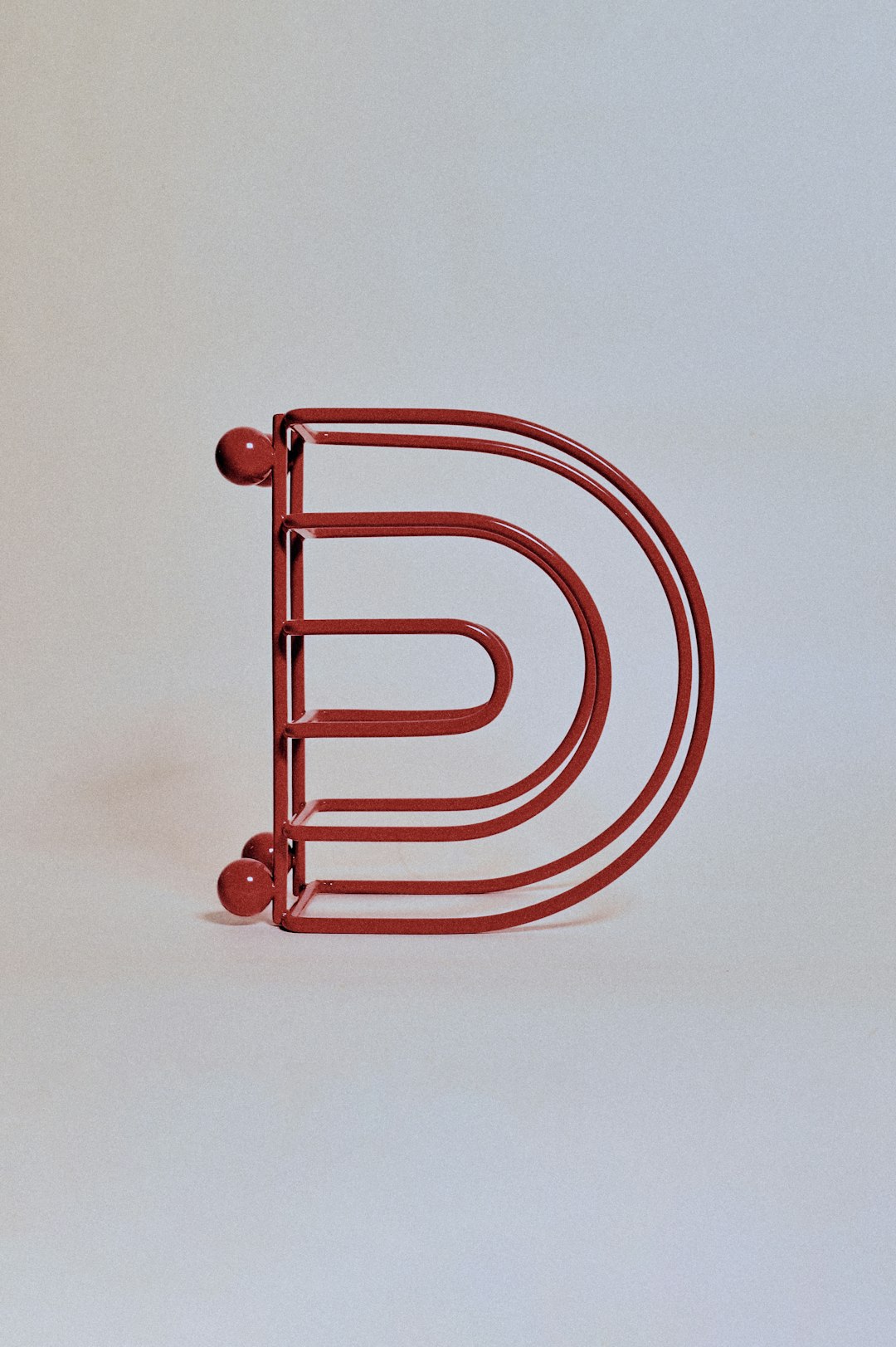
This can help make the right pair stand out. You’ll spot the ones that feel “off” and reinforce the ones that feel right.
Free Font Tools to Try
Here are some free online tools that can help you pair fonts well:
- Google Fonts – Preview pairings and filter by mood, weight, or category.
- FontPair – Suggests combinations using Google Fonts.
- Typ.io – Shows real-world examples of paired fonts in use.
Use these to test, explore, and make better decisions.
A Few Common Mistakes (and How to Avoid Them)
Watch out for these font pairing disasters:
- Using two similar fonts – They clash instead of contrast.
- Over-decorative fonts together – It gets too loud, too fast.
- Ignoring spacing and alignment – Even the best fonts look bad when badly placed.
- Forgetting about scalability – What looks cool in a banner might look awful on a mobile screen.
Stick to simplicity, balance, and clarity. When in doubt: simplify again.
Your Checklist Before Finalizing a Logo Font Pair
Don’t hit “save” yet. Use this quick list to make sure your fonts are really working:
- Is each font readable at small sizes?
- Do the fonts contrast clearly—but still complement each other?
- Does the combo reflect your brand’s personality?
- Is the design simple and uncluttered?
- Will it still look good five years from now?
If you answer “yes” to all of those—bingo. You’ve done it.
Final Thoughts
Font pairing for logos is part style, part science. But it doesn’t have to be painful. Trust your gut, lean on the rules, and test your work.
Great design is about telling a story. And with the right font duo, your logo can sing it loud and clear—without the noise.