



Designers love tools that feel magical. Framer is one of them. It blends design and code in a smooth way. But it is not the only option. Many other tools help you build modern websites without stress. Some are simpler. Some are more powerful. Some are better for teams. Let’s explore them in a fun and easy way.
TLDR: Framer is great, but it is not the only option for modern website building. Tools like Webflow, Wix Studio, Squarespace, Editor X, and Webstudio offer powerful alternatives. Some focus on no-code simplicity, while others offer deeper control. The best choice depends on your workflow, budget, and how much freedom you want.
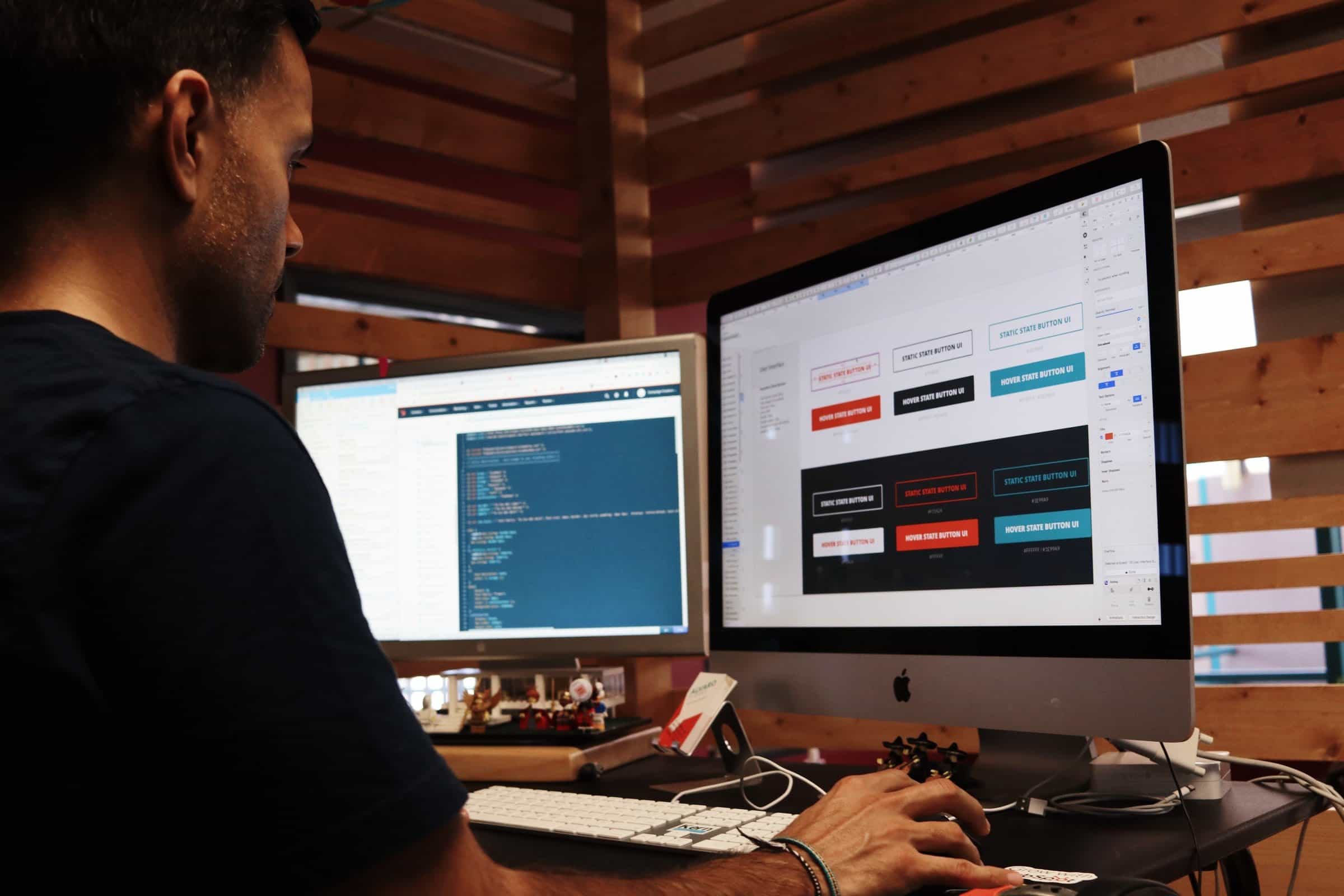
Before we dive in, here is a quick visual vibe of modern web design tools in action.


Why Look for Framer Alternatives?
Framer is powerful. It mixes design and development beautifully. But it may not fit everyone.
- Some designers want simpler interfaces.
- Some need stronger eCommerce tools.
- Others want more control over code.
- And some just want lower pricing.
The good news? You have options. Lots of them.
1. Webflow
Webflow is often the first alternative people mention. And for good reason.
It gives you total design freedom. But without forcing you to write code.
Think of it as Photoshop meets HTML and CSS.
Why Designers Love It
- Full control over layout
- Powerful animations
- CMS for dynamic content
- Clean code export
Best For
Designers who want serious control. And who are okay with a small learning curve.
Webflow is more advanced than Framer in some areas. Especially when it comes to CMS structure and complex websites.
2. Wix Studio
Wix Studio is Wix’s advanced platform for designers and agencies.
It blends responsiveness, flexibility, and smart automation.
It feels modern. And surprisingly powerful.
Why It Stands Out
- Responsive AI tools
- Fast layout scaling
- Built-in business features
- Solid client collaboration tools
You can move fast. Really fast.
It is less technical than Webflow. But more flexible than classic Wix.
3. Squarespace
Squarespace is clean. Elegant. Simple.
It may not look as flashy as Framer. But it shines in ease of use.
If you want stunning layouts without deep tweaking, it is a strong choice.
Why People Choose It
- Beautiful templates
- Strong blogging tools
- Reliable hosting
- Built-in eCommerce
It works great for creatives. Photographers. Coaches. Small brands.
It is less flexible. But much easier to master.
4. Editor X
Editor X is another powerful builder from Wix. But don’t confuse it with basic Wix.
This tool gives you flexbox-style layout control. That means more structure. And more precision.
It is responsive by default. Which saves time.
Great For
- Agencies
- Advanced designers
- Responsive projects
It sits somewhere between Webflow and Wix Studio.
5. Webstudio
Webstudio is newer. But exciting.
It is open source. And very developer-friendly.
If you love customization, this one is interesting.
What Makes It Different
- Open source platform
- No vendor lock-in
- Works well with custom hosting
- Developer-level flexibility
This is not for beginners.
But advanced designers may love it.

Comparison Chart
| Tool | Ease of Use | Design Flexibility | Best For | eCommerce | Code Control |
|---|---|---|---|---|---|
| Framer | Medium | High | Modern interactive sites | Basic | Moderate |
| Webflow | Medium | Very High | Advanced designers | Strong | High |
| Wix Studio | Easy-Medium | High | Agencies and freelancers | Strong | Low-Moderate |
| Squarespace | Very Easy | Moderate | Creatives and small brands | Strong | Low |
| Editor X | Medium | High | Responsive web design | Strong | Moderate |
| Webstudio | Advanced | Very High | Developers and tech designers | Custom | Very High |
How to Choose the Right One
The best tool depends on you.
Ask yourself simple questions:
- Do I want total creative freedom?
- Do I care about exporting clean code?
- Is eCommerce important?
- How fast do I need to launch?
- Am I working solo or with a team?
If you love polish and animations, Framer or Webflow are strong picks.
If you build client sites weekly, Wix Studio might save you time.
If you want something easy and stable, Squarespace is a safe bet.
Trends in Modern Website Builders
Website builders are changing fast.
Here is what we see more of in 2026:
- AI layout generation
- Smarter responsive controls
- Built-in SEO tools
- Team collaboration features
- Component-based design systems
Designers now expect more than drag and drop.
We want speed. Flexibility. And scalability.

Final Thoughts
Framer is amazing. No doubt.
But it is not perfect for every workflow.
Webflow gives deeper control.
Wix Studio moves fast.
Squarespace keeps things simple.
Editor X balances structure and flexibility.
Webstudio opens the door for advanced control.
The good news? There is no wrong choice.
Modern website builders are better than ever.
You can design. Animate. Launch. And grow. All without writing complex code.
Pick the tool that matches your brain.
Because at the end of the day, the best platform is the one that helps you create without friction.
And that is what modern web design should feel like.
Simple. Powerful. Fun.