


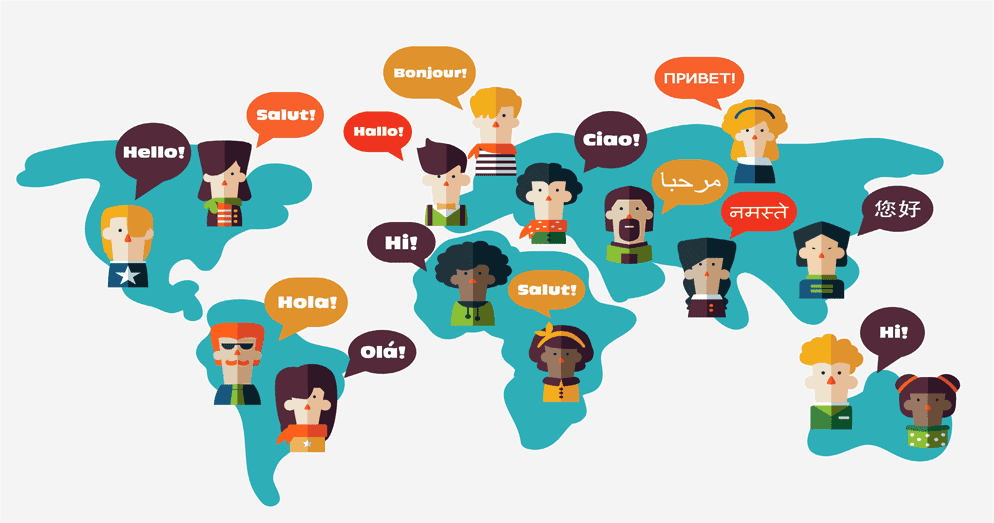
Going multilingual is one of the smartest investments a website owner can make, but it’s also one of the easiest things to get spectacularly wrong. Nearly 73% of customers prefer to purchase a product or service from a site that offers information in their own language, and 60% of shoppers rarely or never buy from English-only websites.
Now, whether you’re using professional translation services or handling localization in-house, the path is littered with pitfalls that even experienced developers and marketers stumble into regularly.
This guide is designed to walk you through those pitfalls. We’ll be explaining exactly why they happen, what they cost you, and how to avoid them properly.
Mistake #1: Skipping Audience and Market Research
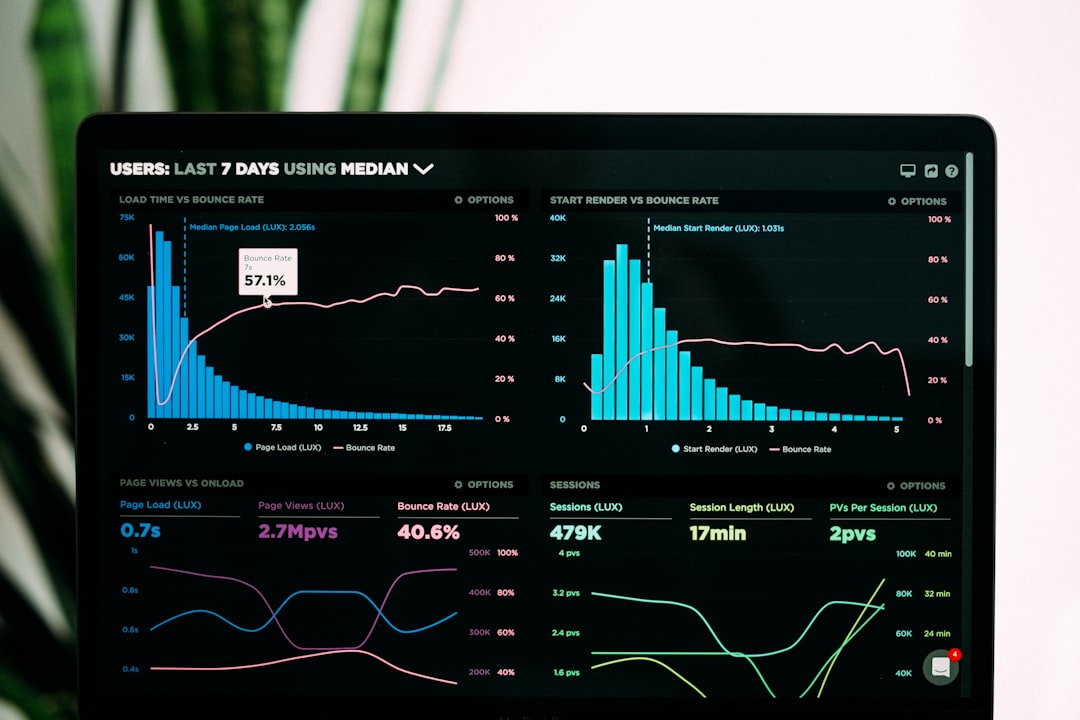
Most multilingual projects fail during planning, not execution. Before touching a single word of content, check your analytics. Are there countries with decent traffic but poor conversion rates? That gap often signals a language barrier and an opportunity.
And even beyond dialect, you need to account for cultural contexts too. For example, date formats (04/05/2025 means April 5th in the US but May 4th across most of Europe), currency conventions, measurement systems, and even color symbolism.
By the way, if you’re still in the early stages, our guide on What to Put on Your Coming Soon Page to Build an Audience Before Launch can help you plan ahead.
Mistake #2: Choosing the Wrong URL Structure
Your URL structure is one of the hardest decisions to reverse later, so it’s important to get it right from the start. The three main options – subdirectories (/fr/), subdomains (fr.yoursite.com), or country-code domains (yoursite.fr) each have real SEO consequences.
Subdirectories work best for most small to mid-sized sites because domain authority flows naturally across all language versions. Subdomains treat each version as a semi-separate entity, splitting your SEO equity.
Whatever you choose, just be sure that you apply it consistently and translate your URL slugs too.
Mistake #3: Getting Hreflang Wrong

Hreflang is the HTML attribute that tells search engines which language version of a page to show to which users. Without Hreflang tags, Google guesses and often gets it wrong, sending French users to your English pages and tanking your engagement numbers as a result.
<H2>Mistake #4: Not Maintaining Your Multilingual Site After Launch<H2>
Most people treat a multilingual site as something you build once and move on from. That’s where things start to go wrong. Every product update, pricing change, or new blog post needs to go out across all language versions.
What you should do instead is bring translation into your regular content workflow from the start, not as an afterthought. When a version underperforms, look at three things: the translation quality, any technical issues, and whether the keywords still match what people are actually searching for in that market.
And if the numbers still don’t make sense after that, it might be a deeper audience issue. You could consider looking into behavioral segmentation to understand what’s really going on.
Conclusion
Multilingual websites are rarely ruined by just one mistake. They’re worn down by a collection of smaller ones that each seem manageable on their own. These mistakes are easy to miss until they’ve already cost you something.
Keeping them in mind as you plan, build, and maintain your multilingual site is the simplest way to avoid learning them the hard way.