


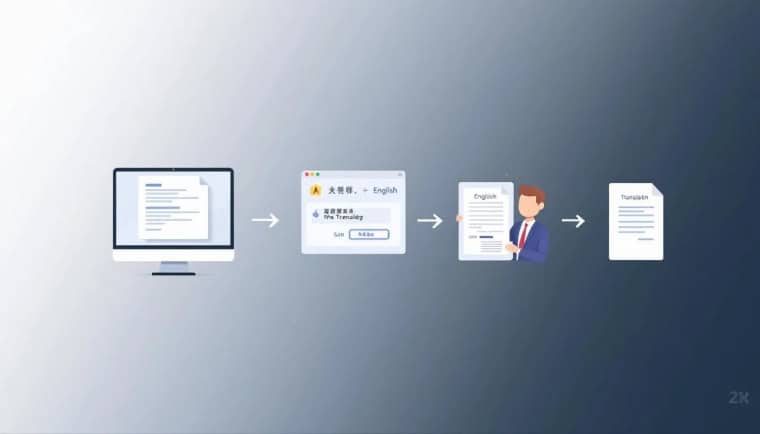
Translation is everywhere. Websites. Apps. Contracts. Subtitles. Even your favorite memes. But not all translation tools are created equal. Some are lightning fast. Some are cheap. Some are scary accurate. And some… well, not so much.
TLDR: Google Translate is fast and free but not perfect. DeepL offers better accuracy for many languages at a fair price. Microsoft Translator works great for teams and integrations. Smartcat blends AI and human editing for business use. Human translation services cost more but win on quality for complex content. The best choice depends on your budget, timeline, and how accurate you need the translation to be.
Let’s break it all down in a simple way. We’ll compare speed, cost, and accuracy. And we’ll keep things fun and easy.
1. Google Translate
Ah, the classic. We’ve all used it. It’s quick. It’s free. It’s everywhere.

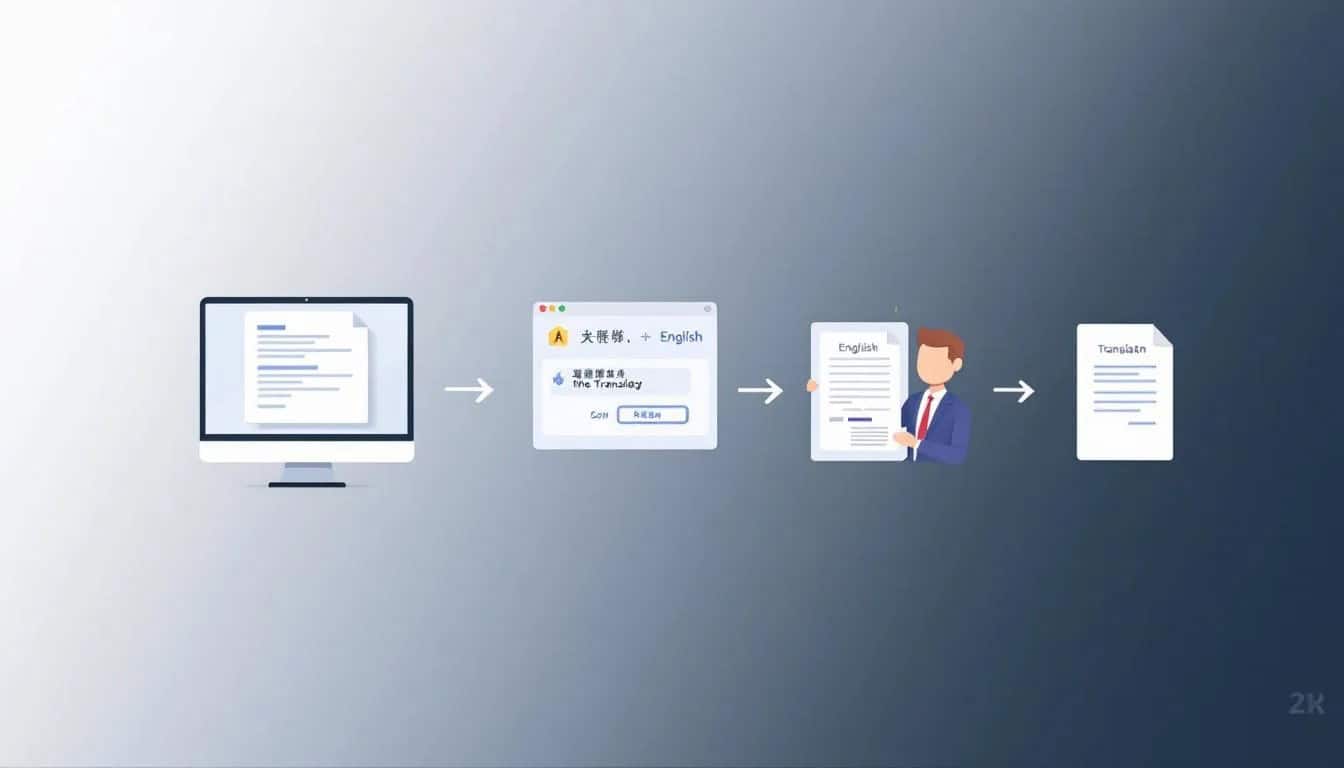
Speed
Blazing fast. You type. It translates instantly. You can also translate full documents in seconds.
Cost
- Free for basic use
- Paid API for businesses
For casual users, it costs nothing. That’s a big win.
Accuracy
Pretty good for common languages. Less reliable for rare ones. It handles simple sentences well. But complex grammar, humor, or cultural nuance? Not always great.
Best for: Quick translations. Travel. Casual website browsing.
Watch out: Legal or medical text may lose important meaning.
2. DeepL
DeepL is often called the “smart” alternative. Many users say it sounds more natural.

Speed
Very fast. Almost as quick as Google. Slight delay for long documents, but still impressive.
Cost
- Free version with limits
- Paid plans for individuals and businesses
Pricing is reasonable. You pay monthly if you need more features.
Accuracy
Excellent for European languages. Often more natural sounding than Google Translate. Better sentence flow. Better tone.
However, it supports fewer languages than Google.
Best for: Business emails. Website content. Professional documents.
Watch out: Limited language selection compared to competitors.
3. Microsoft Translator
This one hides in plain sight. It powers many enterprise tools. Including Microsoft Office.
Speed
Fast and reliable. Great for live conversations and team chats.
Cost
- Free app version
- Azure-based pricing for businesses
If you already use Microsoft products, integration is smooth.
Accuracy
Strong overall. Especially for business communication. It performs well across many languages.
It may not sound as natural as DeepL in some contexts. But it’s solid and consistent.
Best for: Enterprises. Teams. Office integration.
Watch out: Setup can feel technical for small users.
4. Smartcat (AI + Human Hybrid)
Now we level up. Smartcat mixes AI translation with human editing. That’s a powerful combo.


Speed
AI part is instant. Human review takes longer. But the result is much stronger.
Cost
- Varies depending on project
- Pay per word or per project
More expensive than pure AI tools. Cheaper than traditional agencies in many cases.
Accuracy
Very high. Humans fix awkward phrases. They catch cultural mistakes. They adjust tone.
Best for: Marketing content. Product descriptions. Ecommerce. Brand voice.
Watch out: Not as instant as free tools.
5. Traditional Human Translation Services
This is the old-school method. Real humans. No AI shortcuts. Maximum care.
Speed
Slowest option. A professional translator may take days or weeks, depending on length.
Cost
- Highest cost
- Usually priced per word
Complex or technical fields cost even more.
Accuracy
Top tier. Especially for legal contracts. Medical documents. Literary works. Tone and nuance are handled beautifully.
Best for: High-stakes documents.
Watch out: Budget and timeline.
Quick Comparison Chart
| Tool | Speed | Cost | Accuracy | Best For |
|---|---|---|---|---|
| Google Translate | Excellent | Free / Low | Moderate | Casual use |
| DeepL | Very Good | Low to Medium | High | Professional content |
| Microsoft Translator | Very Good | Low to Medium | Good to High | Business teams |
| Smartcat | Medium | Medium | Very High | Marketing and ecommerce |
| Human Services | Slow | High | Excellent | Legal and medical |
Speed Showdown
If speed is everything, AI wins.
- Google Translate: instant
- DeepL: nearly instant
- Microsoft: instant
Human-involved options take longer. But they offer something speed cannot buy: nuance.
Ask yourself: Do you need it in seconds? Or do you need it perfect?
Cost Breakdown
Let’s keep it simple.
- Free: Google Translate (basic use)
- Budget friendly: DeepL and Microsoft plans
- Mid range: Smartcat
- Premium: Human experts
If you translate content daily for business, subscriptions make sense. If it’s once in a while, free tools might be enough.
Accuracy Face-Off
This is where things get interesting.
AI tools use machine learning. They improve every year. They analyze millions of sentence patterns.
But humans understand culture. Humor. Sarcasm. Emotion.
For example:
- A pun in English may fall flat in another language.
- A slogan may sound awkward when translated directly.
- Legal wording might require perfect structure.
AI can struggle here. Humans rarely do.
Which One Should You Choose?
Here’s a quick guide.
Choose Google Translate if:
- You need fast answers.
- You’re traveling.
- You’re translating short texts.
Choose DeepL if:
- You want more natural language.
- You write professional emails.
- You need cleaner sentence flow.
Choose Microsoft Translator if:
- You work in a corporate setting.
- You use Microsoft tools daily.
- You need team collaboration.
Choose Smartcat if:
- You care about brand voice.
- You run ecommerce stores.
- You want AI plus human review.
Choose human translators if:
- Your document is legal or medical.
- Mistakes would be expensive.
- You want top-tier quality.
Final Thoughts
Translation today is powerful. Faster than ever. Cheaper than ever. Smarter than ever.
But the “best” tool depends on your goal.
Need speed? AI wins.
Need savings? Free tools work.
Need perfection? Humans shine.
The smartest choice is not always the fastest. Or the cheapest. It’s the one that matches your needs.
So next time you need to translate something, don’t just pick the first tool you see. Think about what matters most. Speed. Cost. Accuracy.
Pick wisely. Your words deserve it.