


QR codes have moved from novelty to core business infrastructure. They now connect print campaigns to landing pages, streamline restaurant ordering, support contactless payments, simplify app downloads, and make document sharing faster. Choosing the right QR code generator matters because the tool affects reliability, tracking, branding, security, and the customer experience after the scan.
TLDR: The best QR code generator depends on whether you need marketing analytics, payment collection, or simple sharing. For campaigns, choose a platform with dynamic codes, scan tracking, branding controls, and landing page support. For payments, prioritize trusted processors such as PayPal, Square, or Stripe. For quick everyday use, a simple static QR generator may be enough, but businesses should consider long-term management and security before publishing codes widely.
What to Look for in a QR Code Generator
Before selecting a platform, it is important to understand the difference between static and dynamic QR codes. A static QR code permanently stores the destination, such as a website URL or text string. Once printed, it cannot be edited. A dynamic QR code redirects through the provider’s platform, allowing you to change the destination later, collect analytics, and run more sophisticated campaigns.
For business use, dynamic codes are usually the safer choice. They allow teams to correct broken links, update seasonal offers, measure campaign performance, and avoid reprinting expensive materials. However, they often require a paid subscription, so the decision should be based on scale, risk, and reporting needs.
Image not found in postmeta

12 QR Code Generators Worth Considering
-
1. Bitly QR Code Generator
Bitly is widely known for link management, and its QR code features are useful for teams already tracking branded short links. It is a strong option for marketing campaigns because it combines QR codes with link analytics, campaign organization, and recognizable short URLs. Businesses can create codes for landing pages, promotions, forms, downloadable files, and event registrations. Its greatest value is in measurement: marketers can better understand where engagement comes from and how offline materials perform.
-
2. Adobe Express QR Code Generator
Adobe Express offers a straightforward QR code generator that works well for quick design needs. It is especially useful for small businesses, educators, and creators who want to produce clean QR codes and place them into visual materials. While it may not be the deepest platform for enterprise analytics, it is convenient when QR code creation is part of a broader design workflow. For flyers, menus, presentations, and social content, Adobe Express is a practical and familiar option.
-
3. Canva QR Code Generator
Canva includes QR code creation inside its design environment, making it easy to add scannable links to posters, business cards, menus, brochures, and social graphics. Its main advantage is speed: users can generate a code and immediately place it in a polished layout. This is a good choice for teams that care about visual consistency but do not need advanced QR management. For serious campaigns, confirm whether the code type and tracking features meet your requirements before printing.
-
4. Uniqode
Uniqode, formerly known as Beaconstac, is built for businesses that need scalable QR code management. It supports dynamic QR codes, analytics, custom domains, bulk creation, team management, and security-focused controls. This makes it suitable for retail, healthcare, events, real estate, and consumer packaged goods. Organizations running large campaigns across multiple locations will benefit from centralized management and reporting. It is a serious platform for teams that treat QR codes as measurable digital assets rather than one-time design elements.
-
5. QR TIGER
QR TIGER is a popular QR code platform offering dynamic codes, design customization, analytics, bulk generation, and integrations. It supports many use cases, including URLs, vCards, social media profiles, files, menus, Wi-Fi access, and app downloads. Its flexibility makes it suitable for agencies, restaurants, schools, event organizers, and retailers. The platform is particularly useful when a business needs both branded appearance and practical campaign tracking. As with any dynamic QR provider, review subscription terms and data policies carefully.
-
6. Flowcode
Flowcode focuses on branded, trackable QR experiences for marketing and customer engagement. It is often used for consumer-facing campaigns, packaging, media, sports, entertainment, and events. The platform emphasizes design, scan analytics, mobile landing pages, and audience insights. Businesses that want attractive codes and conversion-focused destinations may find it valuable. Flowcode is best suited for teams that need more than a basic black-and-white code and want the QR experience to feel like part of a professional brand campaign.
-
7. QRCode Monkey
QRCode Monkey is a well-known free option for generating customized static QR codes. Users can add colors, logos, and different shapes, which makes it useful for simple branding without a complex setup. It is a good option for personal projects, small print materials, and low-risk uses where the destination will not change. However, because static codes cannot be edited after distribution, businesses should be cautious when using them on permanent signage, packaging, or large print runs.
-
8. ME-QR
ME-QR supports a broad range of QR code types, including links, files, images, maps, audio, video, and business cards. It provides dynamic QR options, scan statistics, and customization tools. This makes it useful for organizations that need different QR formats across departments. For example, a school might use QR codes for learning materials, while an event team uses them for schedules and venue maps. Its versatility is a clear strength, especially for users managing several content types.
-
9. PayPal QR Codes
PayPal QR codes are designed for payment acceptance rather than broad marketing campaigns. They are useful for freelancers, market vendors, small retailers, charities, and service providers that want a familiar payment method. Customers scan the code, confirm the recipient, and complete payment through PayPal. The main advantage is trust: many buyers already recognize the PayPal brand. Businesses should still review transaction fees, refund policies, and account limitations before relying on PayPal QR codes as a primary payment channel.
-
10. Square QR Codes
Square provides QR code payment and ordering tools that are particularly relevant for restaurants, cafes, retail stores, and service businesses. QR codes can connect customers to menus, checkout pages, invoices, or payment links. Square’s strength is its broader commerce ecosystem, including point-of-sale hardware, inventory tools, reporting, and customer management. For businesses already using Square, its QR code features can reduce friction and keep payment data within one operational system.
-
11. Stripe Payment Links with QR Codes
Stripe is a strong option for businesses that want flexible online payment infrastructure. While Stripe is not simply a visual QR design tool, payment links can be converted into QR codes and used for invoices, subscriptions, donations, product sales, or event fees. It is especially effective for companies with technical teams or more complex payment requirements. Stripe’s reputation, developer resources, and global payment capabilities make it a serious choice for organizations that need reliable digital payment workflows.
-
12. Google Chrome Built-In QR Code Tool
Google Chrome includes a simple option to create a QR code for the current webpage. It is not a full marketing platform, but it is convenient for quick sharing in meetings, classrooms, internal documents, or informal presentations. The main benefit is accessibility: users can generate a code without signing up for another service. However, it lacks advanced branding, dynamic editing, and analytics. For business-critical campaigns, Chrome’s built-in tool should be treated as a quick utility rather than a strategic solution.
Best Options by Use Case
- For marketing analytics: Bitly, Uniqode, QR TIGER, and Flowcode are strong candidates because they support dynamic codes and performance tracking.
- For visual design: Adobe Express, Canva, Flowcode, and QRCode Monkey are useful when appearance is a priority.
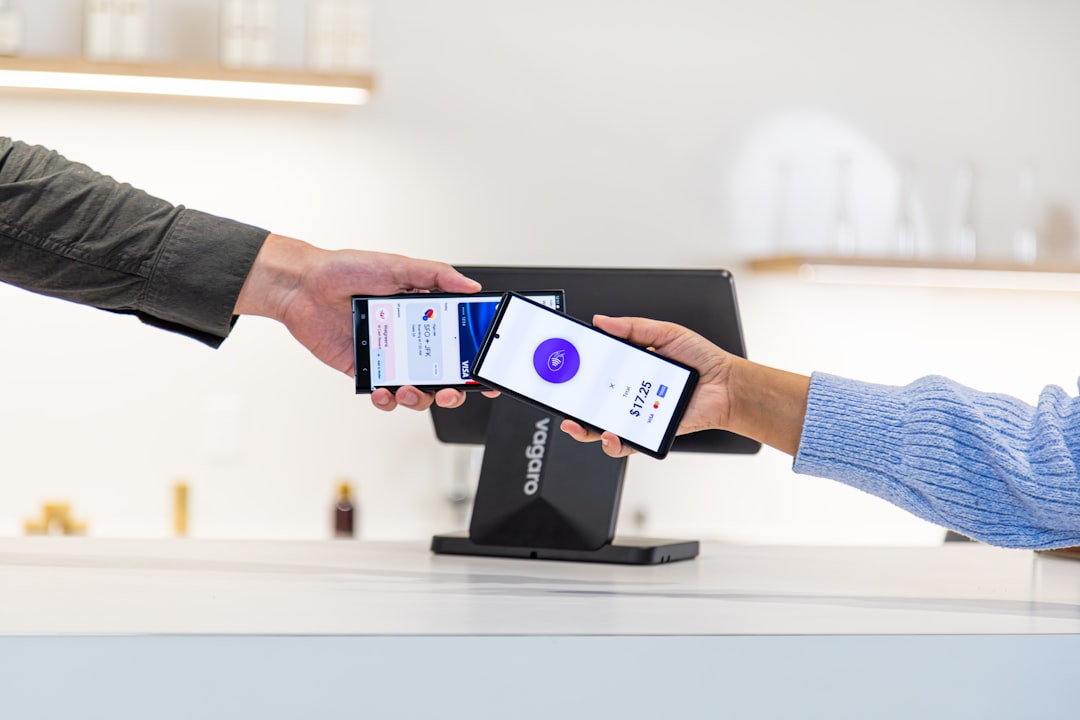
- For payments: PayPal, Square, and Stripe are the most relevant because they are tied to established payment systems.
- For quick sharing: Google Chrome’s built-in tool or a simple static generator is often sufficient.
- For large organizations: Uniqode and QR TIGER offer more structured management features, including teams, analytics, and bulk creation.
Security and Trust Considerations
QR codes are convenient, but they also create risk because users cannot easily see the final destination before scanning. Businesses should use trusted domains, avoid suspicious redirects, and clearly label what the code does. For example, a payment QR code should identify the business name and expected action. A marketing QR code should lead to a professional page with HTTPS encryption.
It is also wise to maintain an internal record of published QR codes, especially for permanent materials. Include the campaign name, destination URL, creation date, owner, and location where the code appears. This reduces confusion and helps prevent outdated or abandoned links from remaining in public circulation.
Practical Tips Before Printing QR Codes
- Test on multiple phones before publishing, including both iOS and Android devices.
- Use adequate contrast so the code scans reliably in different lighting conditions.
- Leave a quiet zone around the code; crowding it with graphics can reduce scan accuracy.
- Add a clear call to action, such as “Scan to pay,” “Scan for menu,” or “Scan to register.”
- Choose dynamic codes for printed campaigns that may need updates later.
- Monitor performance when the goal is marketing, sales, or event attendance.

Final Recommendation
The right QR code generator depends on the seriousness of the use case. For a one-time classroom handout or internal link, a free static generator may be entirely adequate. For a paid advertising campaign, packaging run, restaurant menu, or payment workflow, businesses should use a more reliable platform with dynamic editing, analytics, security controls, and support.
Marketing teams should prioritize measurement and brand consistency. Payment-focused businesses should prioritize customer trust, transaction reliability, and integration with their accounting or point-of-sale systems. Anyone publishing QR codes at scale should document their codes and periodically review where they lead. Used carefully, QR codes are not just shortcuts; they are practical bridges between physical attention and digital action.