The best choice for most small businesses is Canva, followed closely by Adobe Express and Microsoft Designer. These tools create polished promotional flyers quickly, even when the owner has no design training. AI matters here because small teams need speed, not another complicated project; Constant Contact reported that 91% of small businesses using AI say it has helped make their business more successful [source: Constant Contact]. A flyer still has to sell clearly, print cleanly, and match the brand, so the tool must do more than generate pretty images.
TLDR: For most small businesses, Canva is the safest all-purpose AI flyer tool because it balances templates, brand controls, print options, and ease of use. Adobe Express is better for teams that care about sharp visuals and already use Adobe products, while Microsoft Designer is useful for simple flyers tied to social campaigns. For example, a local fitness studio could create a “7 day trial” flyer in under an hour, resize it for Instagram, and print 250 copies for a weekend promotion. If the flyer improves walk-ins by even 10%, the tool pays for itself quickly.
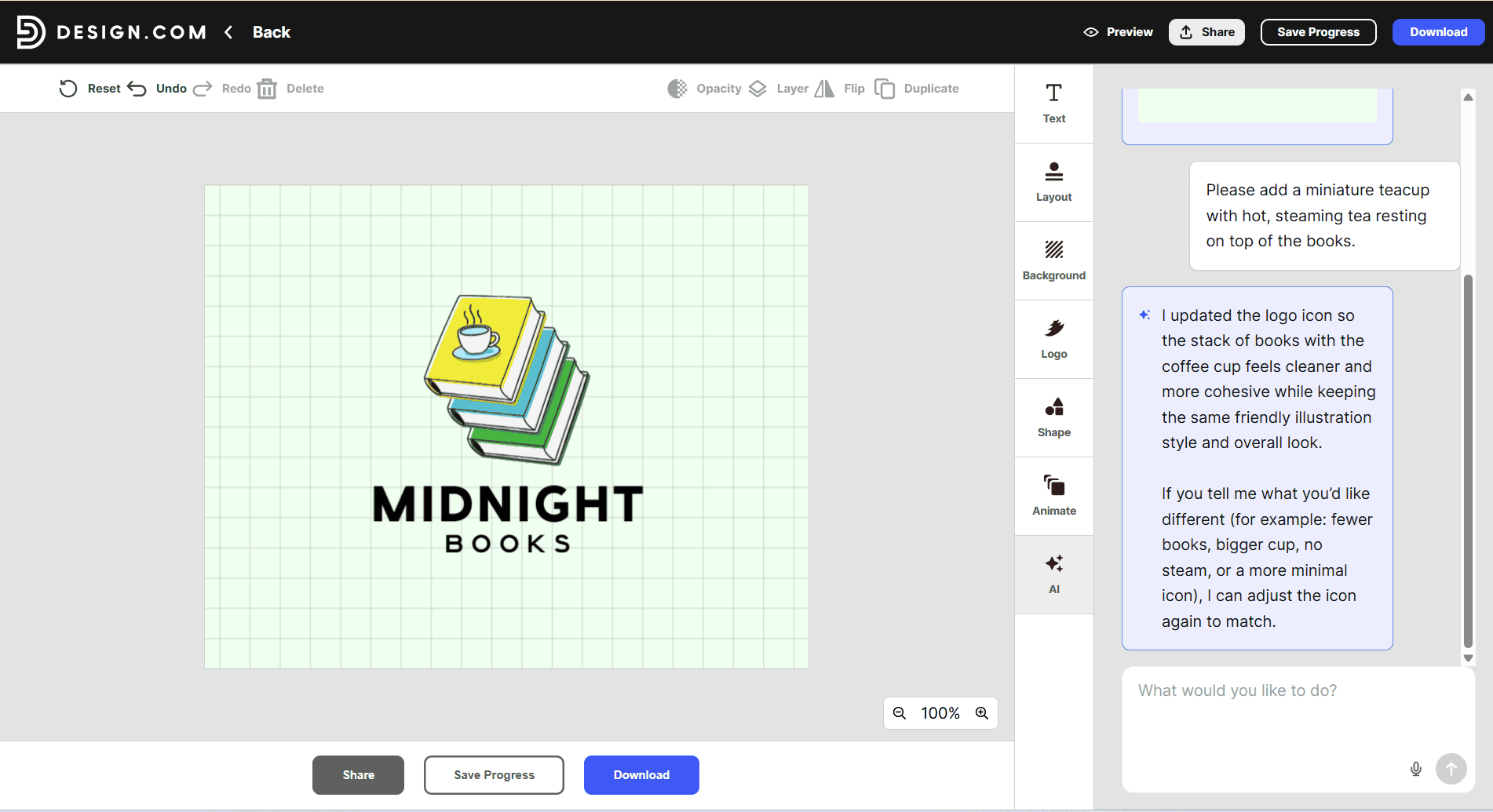
What makes an AI flyer tool worth using?
A good AI flyer maker should save time without making the business look cheap. That is the real test. Many tools promise instant design, but then bury basic edits under awkward menus. Honestly, it feels like some platforms are built to impress software reviewers, not a shop owner trying to promote a lunch special before Friday.
For small businesses, the most useful features are simple:
- AI text generation for headlines, offers, and calls to action.
- Template quality across retail, food, beauty, fitness, real estate, and events.
- Brand kits for logos, colors, fonts, and repeat campaigns.
- Print-ready exports with PDF, bleed, and high-resolution options.
- Resize tools for flyers, posters, emails, and social media posts.
- Commercial-use clarity for images, icons, and generated assets.
1. Canva: best overall for small business flyers
Canva is the strongest pick for most small businesses because it is fast, familiar, and hard to break. Its AI tools can generate copy, suggest layouts, remove backgrounds, resize designs, and create images from prompts. The template library is large, which helps when time is tight.
It works especially well for service businesses, cafes, salons, local retailers, coaches, and community events. A bakery can start with a seasonal flyer template, ask the AI writer for three headline options, drop in product photos, and export a print-ready PDF. That is practical.
Best for: owners who need reliable flyers, social posts, and simple brand consistency.
Watch out for: template sameness. Many businesses use Canva, so a flyer can feel familiar if you do not adjust colors, photography, spacing, and wording. Spend five extra minutes customizing the design. It matters.
2. Adobe Express: best for polished visuals
Adobe Express is a strong option for businesses that want a more refined look without opening professional design software. Its AI features help with layout, image generation, background removal, text effects, and quick resizing. The results often feel cleaner than lower-end tools.
This is a good fit for boutiques, photographers, higher-end restaurants, consultants, wellness brands, and creative businesses. If your flyer needs to feel premium, Adobe Express is worth testing.
Best for: design-conscious teams that want quality without a heavy learning curve.
Watch out for: small workflow delays. Some simple edits can take a few clicks more than expected, especially if you are switching between image effects, brand assets, and export settings. It is not terrible. It is just noticeable when you are rushing.
3. Microsoft Designer: best for quick promotional concepts
Microsoft Designer is useful when you need flyer ideas fast. It can generate designs from a short prompt, suggest layouts, and create campaign-style visuals. It also fits well for businesses already working inside Microsoft tools.
A tutoring center, for example, could type: “Create a flyer for after-school math tutoring, grades 6 to 9, first session free, friendly and professional style.” The tool can produce a usable starting point in seconds.
Best for: quick concepts, simple offers, and owners who already use Microsoft 365.
Watch out for: weaker fine control than Canva or Adobe Express. It can produce a good first draft, but you may want another tool for final polish.

4. VistaCreate: best for social-first flyers
VistaCreate works well for businesses that treat flyers and social posts as part of the same campaign. It has a broad template library, simple editing tools, and useful design formats for online promotion. Its AI features are not always as deep as the top three, but the platform is easy to use.
It is a sensible choice for event promoters, salons, small gyms, food trucks, and pop-up shops. You can make a flyer, then adapt the same visual style for stories, posts, and banners.
Best for: small teams that promote heavily on social media.
Watch out for: generic layouts. The fix is simple: use real photos, stronger headlines, and fewer decorative elements.
5. PosterMyWall: best for event and local promotion flyers
PosterMyWall is built for posters, flyers, menus, and event promotions. It is not the slickest tool on this list, but it is practical. That matters. Churches, schools, restaurants, clubs, nonprofits, and local venues can create promotional flyers without getting stuck in design theory.
The platform includes templates, stock assets, video options, and quick publishing features. It is useful when the main goal is clear event communication: date, time, location, offer, and action.
Best for: events, local announcements, restaurant specials, and community campaigns.
Watch out for: designs that can become cluttered. Keep one main headline, one offer, and one call to action. Do not cram the whole business history onto one page.
6. Fotor: best for image-heavy flyers
Fotor is a good option when product images matter. Its AI photo editing tools can improve images, remove backgrounds, and create visual effects. That makes it useful for ecommerce sellers, food businesses, beauty brands, and handmade product shops.
If your flyer depends on a strong hero image, Fotor can help. A cleaner product photo often improves the whole design more than a fancy border or trendy font.
Best for: flyers where product photography carries the message.
Watch out for: layout limits. Fotor is stronger for image work than full campaign management, so it may pair well with Canva or Adobe Express.
Quick comparison
| Tool | Best use | Main strength |
|---|---|---|
| Canva | General small business flyers | Ease, templates, brand kits |
| Adobe Express | Premium-looking promotions | Visual quality |
| Microsoft Designer | Fast first drafts | Prompt-based creation |
| VistaCreate | Social campaigns | Multi-format designs |
| PosterMyWall | Events and local offers | Practical flyer templates |
| Fotor | Product-led flyers | AI image editing |
How to choose the right tool
Pick based on the job, not hype. If you need one flyer for a weekend sale, use Canva or Microsoft Designer. If the flyer supports a more premium brand, use Adobe Express. If the campaign includes Instagram, stories, and posters, VistaCreate is a solid choice. If you run many events, test PosterMyWall. If your photos look rough, start with Fotor.
The catch is that AI will not fix a weak offer. “Big sale” is vague. “20% off all lunch combos, Friday only, 11 a.m. to 2 p.m.” is better. Strong flyers are specific. They show the offer, the deadline, the location, and the next step.

Practical tips for better AI-generated flyers
- Use one main message. A flyer is not a brochure.
- Make the offer visible from six feet away. Big headline. Clear contrast.
- Add a deadline. Urgency helps people act.
- Use real business photos when possible. Stock images can feel cold.
- Check printing details. Use high-resolution PDF and proper margins.
- Proofread manually. AI can still produce awkward text or wrong details.
Final recommendation: start with Canva if you want the safest all-around tool. Choose Adobe Express if brand polish matters most. Use Microsoft Designer for quick idea generation. The best flyer tool is the one that helps you publish a clear, credible promotion without wasting half a day fighting the software.