Pick tools by the question you need answered, not by the size of the dashboard. Competitor monitoring works best when each tool covers one clear job: traffic, SEO, pricing, ads, product changes, tech stacks, reviews, supply chains, or app performance.
TLDR: A solid competitor monitoring stack can start with Similarweb, Semrush, Visualping, Prisync, BuiltWith, Meta Ad Library, and Google Alerts, then expand as your market gets more complex. For example, a small ecommerce team tracking five rivals in three countries might spot a 12% price drop, a new checkout provider, and a spike in paid social ads within the same week. That can turn into a quick response: adjust pricing on 20 top products, refresh ad copy, and test free shipping before sales slip. The trick is to avoid tool overload and set alerts that point to action.
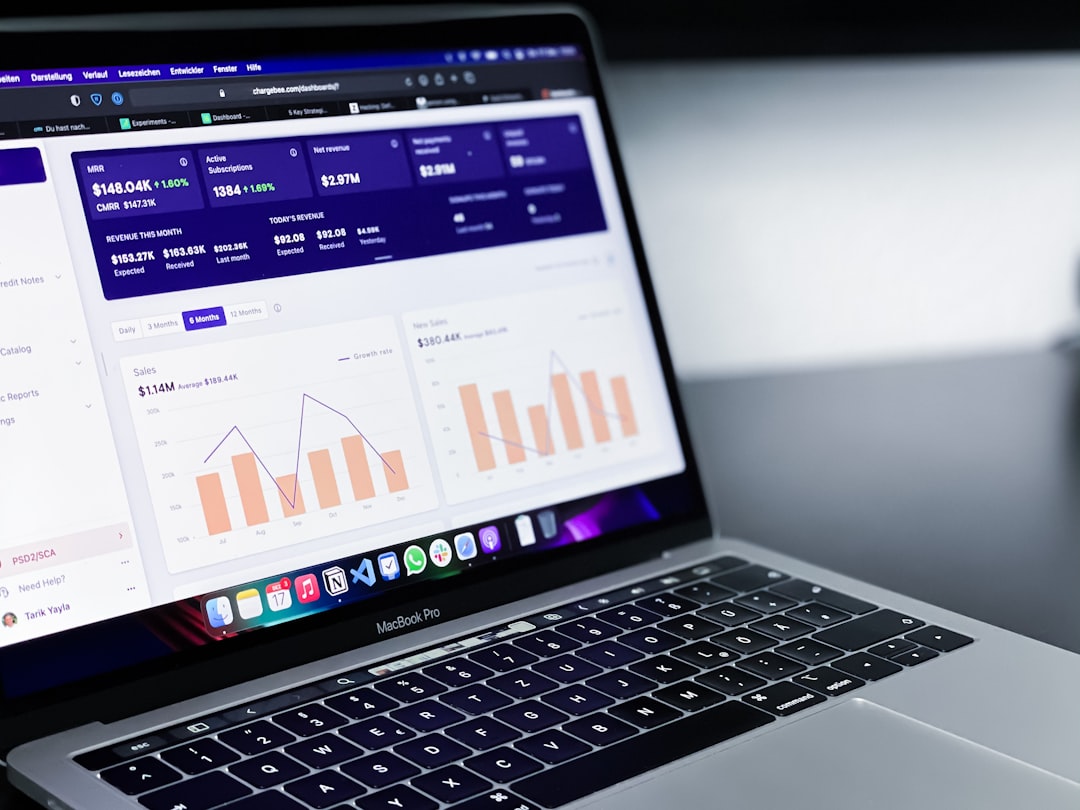
1. Similarweb for traffic and audience shifts
Similarweb is useful when you want to know where competitors get traffic and which markets are gaining traction. It estimates visits, channels, engagement, audience interests, and top referral sources.
This is handy for spotting regional movement. If a rival’s traffic from Germany jumps from 8% to 18% in two months, that is worth checking. Maybe they launched local content. Maybe they invested in affiliates. Maybe a marketplace listing took off.
Best for: traffic benchmarking, country comparisons, referral research, channel mix checks.
The annoying part? Estimates can vary, especially for smaller sites. Treat the numbers as direction signals, not exact finance-grade data.
2. Semrush for SEO, paid search, and keyword gaps
Semrush is one of the most practical tools for tracking organic and paid search competitors. You can monitor rankings, keyword overlap, search ads, backlinks, content gaps, and local search results.
Use it to answer simple but painful questions. Which keywords do rivals rank for that you do not? Which markets are they targeting with paid search? Are they bidding on your brand name?
The Position Tracking feature is useful for regional campaigns. Set up separate projects for the United States, United Kingdom, Spain, or any target market. Then compare ranking movement week by week.
Best for: SEO teams, content planning, PPC research, local keyword tracking.
3. Ahrefs for backlinks and content monitoring
Ahrefs shines when you care about links, content performance, and competitive authority. It shows who links to your rivals, which pages attract the most traffic, and what content earns mentions.
This matters across markets because link sources often reveal partnerships, PR activity, and local media wins. If a competitor suddenly earns 40 links from French blogs, someone is doing outreach there.
Use Content Explorer to find competitor articles that keep getting links. Then ask what made them useful. Was it original data? A calculator? A comparison table? Copying the topic is not enough. You need to beat the format.
Best for: backlink tracking, content ideas, PR intelligence, authority checks.
4. Google Alerts and Talkwalker Alerts for mentions
Google Alerts is free, simple, and still worth using. Pair it with Talkwalker Alerts for broader coverage. Track competitor names, product names, executive names, slogans, campaign hashtags, and common misspellings.
This is not glamorous software. Honestly, it feels like alert emails sometimes arrive late or miss obvious mentions. Still, it catches enough to earn a place in the stack.
Create alerts by market. For example: “competitor name” France, “competitor name” review, or “competitor name” partnership. This helps separate noise from useful signals.
Best for: PR tracking, brand mentions, executive moves, local news.
5. Visualping or Distill for website change tracking
Visualping and Distill monitor page changes. They are great for tracking pricing pages, landing pages, product pages, terms, job listings, and feature announcements.
Competitors rarely announce every important change. They just update a page and move on. These tools catch those quiet edits.
Watch pages such as:
- Pricing pages for discounts, packaging changes, and new plans.
- Product pages for feature shifts and positioning.
- Careers pages for hiring by country or function.
- Partner pages for channel growth.
- Legal pages for market entry clues.
Expect to waste time on false alerts if the page has rotating banners or changing review widgets. Set precise page sections where possible.
6. BuiltWith and Wappalyzer for tech stack clues
BuiltWith and Wappalyzer show the technologies used on a website. This can include ecommerce platforms, analytics tools, payment systems, chat widgets, ad tags, personalization software, and email tools.
Why does this matter? Tech choices reveal priorities. A rival adding a new A/B testing platform may be preparing conversion tests. A new payment provider may signal entry into a region where that provider is popular. A new customer support widget might point to scale problems.
Best for: SaaS research, ecommerce tracking, conversion clues, market entry signals.
7. Meta Ad Library and Google Ads Transparency Center
Meta Ad Library lets you see active ads running on Facebook, Instagram, and related placements. Google Ads Transparency Center shows ads across Google properties. Together, they help you track messaging, creative angles, promotions, and local campaigns.
Search by competitor name and country. Save screenshots of strong ads. Note repeat themes. If a rival keeps running the same offer for six weeks, it may be working.
Look for:
- New product launches.
- Seasonal offers.
- Country-specific claims.
- Influencer-style creative.
- Landing page tests.
Best for: ad creative research, campaign timing, offer tracking, message testing.
8. Prisync or Price2Spy for pricing intelligence
Prisync and Price2Spy track competitor prices across ecommerce sites and marketplaces. They can monitor price changes, stock status, discounts, shipping costs, and historical price movement.
This is critical in retail, consumer electronics, beauty, supplements, furniture, and any category where buyers compare prices quickly. A 3% difference can matter. A stockout can matter even more.
The best setup is not “track everything.” That gets messy fast. Start with your top 50 revenue-driving products and the five competitors that most often steal sales.
Best for: ecommerce pricing, marketplace tracking, stock alerts, margin protection.
9. Appfigures or Sensor Tower for mobile app markets
If competitors sell through apps, use Appfigures or Sensor Tower. These tools track app rankings, reviews, ratings, downloads, revenue estimates, keywords, and update history.
Reviews are especially useful. They show what users hate before the company admits it. If three markets complain about payment failures after an update, that is a product weakness and a marketing chance.
Track version notes too. Rivals often reveal product priorities there. New language support, payment methods, onboarding changes, or loyalty features can all point to market plans.
Best for: mobile apps, subscription products, games, fintech, travel, food delivery.
10. ImportYeti or Panjiva for supply chain signals
ImportYeti and Panjiva help uncover supplier and shipment data, especially for physical goods. You can identify manufacturers, shipping frequency, product categories, and trade routes.
This is useful when competitors are hard to read from the outside. Shipment patterns can reveal inventory buildup before a launch. New suppliers may hint at product expansion or cost reduction. Country shifts may show risk management or tariff concerns.
Best for: retail, manufacturing, consumer goods, wholesale, sourcing research.
How to build a practical monitoring routine
Tools only help if someone checks them with a plan. Create a weekly rhythm. Assign one owner. Keep the output short.
- Monday: check traffic, rankings, and ad activity.
- Wednesday: review pricing, page changes, and product updates.
- Friday: summarize threats, opportunities, and recommended actions.
Use a simple scoring system. Rate each finding from 1 to 5 based on possible impact. A new blog post might score 1. A 15% price cut in your top market might score 5. This keeps teams from panicking over every small update.
The best competitor monitoring setup is boring in the right way. It catches real changes, filters noise, and helps your team act before the market punishes hesitation.